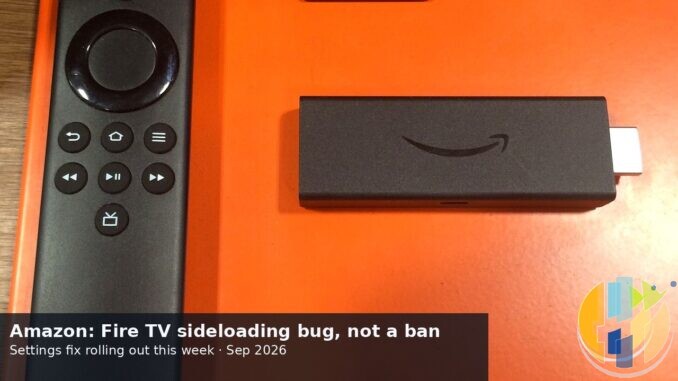
If Downloader vanished from Install unknown apps on your Fire Stick this month, take a breath before you factory-reset the thing or panic-buy a replacement. Amazon has now told AFTV News it was a Settings bug, not a sudden ban on sideloading for existing Fire OS boxes. A fix is meant to roll out automatically over the coming week. That is Amazon’s timeline, not a guarantee stamped on your remote.
I am writing this for people whose list went empty or incomplete after a recent Settings update, and for anyone reading headlines that sound like Amazon killed sideloading overnight. Named coverage from 9to5Google (Andrew Romero, 15 Sep 2026) and TechRadar (Rowan Davies, 15 Sep 2026) both carry the same Amazon statement to AFTV News. How-To Geek and tbreak have been circulating the same line. Treat it as a corporate statement, not a courtroom exhibit.
What Amazon actually said
The quote, as reported:
There was a bug in a recent Fire TV Settings update that caused the “Install unknown apps” list to appear incomplete or empty on some Fire TV devices. We have identified the cause and a fix will roll out in an upcoming Fire TV Settings update, installed automatically on affected devices over the coming week.
Key words: some devices, Settings update, coming week. Not every stick was broken. Not every owner needed to do anything dramatic. And “coming week” from a vendor is a forecast, not a delivery receipt.
Why the list went weird (AFTV’s reverse-engineering, not Amazon’s PR)
Back on 26 August 2026, Elias Saba at AFTVnews published the deep dive that made the “bug” claim technical rather than vibes. He decompiled Fire TV Settings app v1.0.19153.0 (com.amazon.tv.settings.v2) and described a race condition: the Install unknown apps UI shows before the candidate list finishes generating.
What changed performance, per that write-up: Settings started checking all apps including system apps when building the list, instead of skipping system packages first. Slower sticks (Lite, 3rd-gen Stick, 1st-gen HD) get hit harder. Faster boxes (4K Plus, 2nd-gen 4K Max, Cube) often finish in time. Fire OS 5 and 6 were called unaffected. Fire OS 7.7.1.6 (5665) and Fire OS 8.1.8.2 (3811) made the bad path far more likely.
Package-name hash order matters too. Downloader often lands near the bottom of that random-ish order, so it is one of the first apps to disappear from a truncated list. Total Commander often sits higher, which is why AFTV floated it as a temporary installer path if it still appears.
Skeptic note: Amazon’s “bug” statement and AFTV’s race-condition explanation line up, but they are still different kinds of evidence. AFTV reverse-engineered Settings. Amazon issued a statement. Motive theories on forums are still theories.
What to do this week (and what not to do)
Do this first: Settings → My Fire TV → About → Check for updates. Sit still. Let any Settings component update land. Amazon and the secondary reports say it may install as a component update, so the Fire OS version string on the About page might not even change when the fix arrives.
Optional workaround if you still need to install an APK today: AFTV’s path is download with Downloader (downloads can still work), then install via Total Commander if Total Commander shows in Install unknown apps. Some users report toggling ADB debugging to force a refresh. AFTV is clear that is not guaranteed. Do not treat forum luck as a universal fix.
Do not: factory reset “just in case.” Do not buy a new Fire Stick solely because this bug exists. Do not assume Vega OS Select/HD models suddenly gained Android APK sideloading. They did not. This fix is for existing Android-based Fire OS devices only. If you are living the Vega trade-offs already, our recent notes on Vega OS costing Amazon trust and Android Fire Sticks ending are the longer story. Different topic from this Settings list bug.
Also distinct from the Pocket-lint “fix Fire Sticks” beta framing we already covered: that was software beta enrolment theatre, not this Install unknown apps race. Soft-link if you want the earlier piece: headline vs beta access.
Who should care, who should ignore
Care this week if: your Install unknown apps list is empty or missing Downloader on a Fire OS 7/8 stick, and you actually need to grant install permission again.
Ignore if: your list already shows the apps you need; you are on Fire OS 5/6; or you bought a Vega OS stick knowing Android APK sideloading was never on the menu. Also ignore the “Amazon banned sideloading forever on all Fire TVs” takes that ignore the word bug and the AFTV timing.
Player-only reminder while we are here: Downloader and file managers are tools. Legal IPTV players are tools. Unlicensed catalogues and pre-loaded pirate sticks are the problem we do not sell or walk you through.
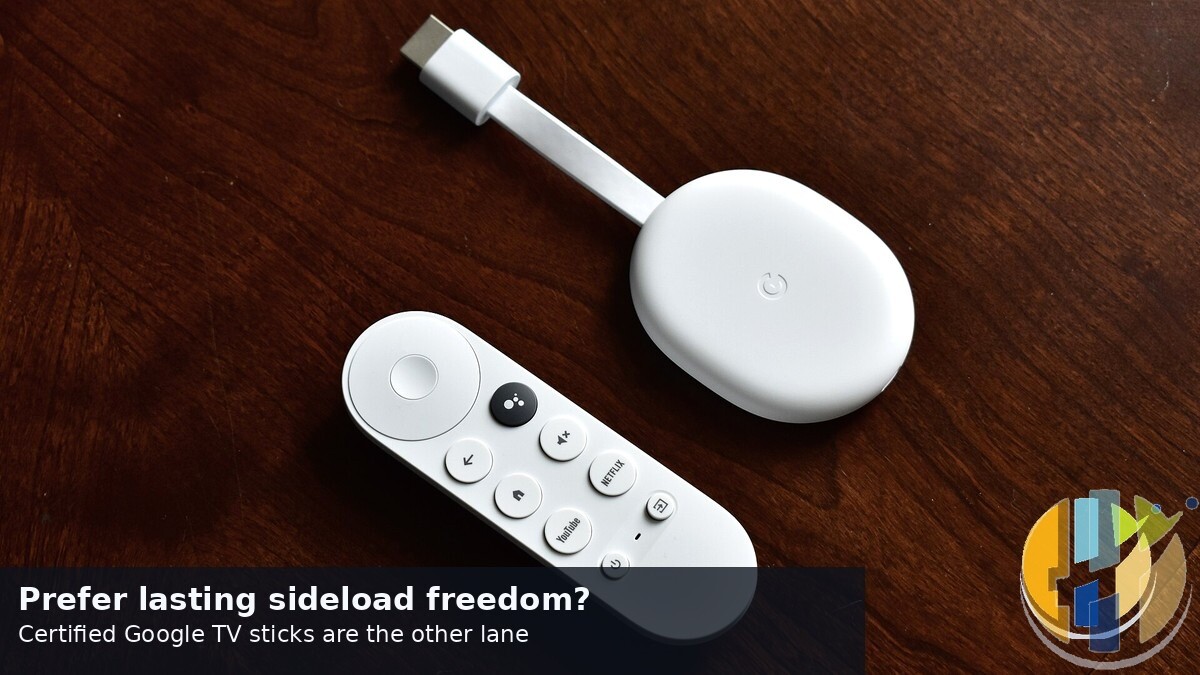
If you want lasting sideload freedom and certified Google services without Fire OS drama, a Google TV / Android TV box (Amazon UK | Amazon US | Amazon DE | Amazon FR | Amazon IT) is the pragmatic lane. Not because Amazon’s statement is a lie. Because you control the risk tradeoff.
Best IPTV boxes to buy
These are media boxes and sticks that can run players and licensed apps. The first six are Google certified Android TV or Google TV devices with Google Play; the last one, the Formuler, runs its own Android and is not certified. They are not pirate hardware. They do not come with channels or playlists. I am not claiming I personally lab-tested every SKU this month.
Buy one of these when: Fire TV sideload is a hassle on your model, you want Play Store apps on a proper TV OS, or you want a dedicated player shell behind the sofa. No Fire TV device is on this shortlist.
- NVIDIA SHIELD TV Pro: the premium pick, a certified Android TV player with AI upscaling, Dolby Vision/Atmos and Gigabit Ethernet for the main living-room telly. Amazon UK | Amazon US | Amazon DE | Amazon FR | Amazon IT
- Google TV Streamer 4K: solid Google TV living-room default with Ethernet, 32GB storage and Dolby Vision/Atmos. Amazon UK | Amazon US | Amazon DE | Amazon FR | Amazon IT
- Xiaomi TV Box S (3rd Gen): Google TV box with 32GB storage, Wi-Fi 6 and Dolby Vision/Atmos, the cheaper box route than the Streamer. Amazon UK | Amazon US | Amazon DE | Amazon FR | Amazon IT
- Xiaomi TV Stick 4K (2nd Gen): budget Google TV stick with Wi-Fi 6 and Dolby Vision/Atmos when you want HDMI-simple, not a full box. Amazon UK | Amazon US | Amazon DE | Amazon FR | Amazon IT
- Budget Google TV 4K player: a cheaper certified Google TV player for a second telly. The model differs by store, so each link names the one you get there. MECOOL KD3 (Amazon UK) | onn. Google TV 4K Streaming Box (Amazon US) | Strong LEAP-NOVA-X (Amazon DE) | Strong LEAP-NOVA-X (Amazon FR) | Strong LEAP-NOVA-X (Amazon IT)
- MECOOL MEon1: Google TV certified 4K box with AI upscaling and 32GB storage for a dedicated player behind the sofa. Amazon UK
- Formuler Z12 Ultra SE: the newest Formuler box, built around MYTVOnline 4 for IPTV playlists. It runs Formuler’s own Android rather than certified Google TV, so there is no Netflix in HD and it is the one box here without Google certification. Formuler Z12 Ultra SE (Amazon UK) | Formuler Z12 Ultra SE (Amazon US) | Formuler Z12 Ultra SE (Amazon DE) | Formuler Z12 Ultra SE (Amazon FR) | Formuler Z12 Ultra SE (Amazon IT)
Still shopping for a Fire TV device? Fine for Prime Video and the Appstore universe. Not the shortlist above. And none of these boxes magically make unlicensed streams legal.
Next concrete step on Fire OS: Check for updates, wait for the Settings fix, skip the factory reset. If the list already works, close this tab and watch something. If Vega locked you out of APKs by design, that is a different shopping decision, not this week’s bug ticket.