Amazon Fire TV Stick Update: New BBC Channels & App-Hiding Feature Removed
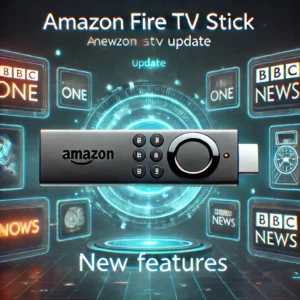
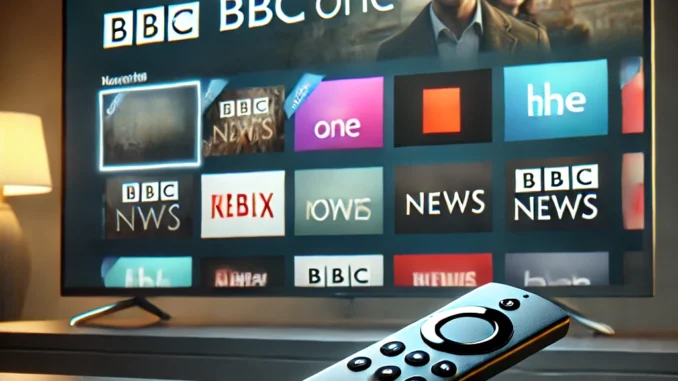
Amazon has rolled out a new software update for its Fire TV Stick, introducing live BBC channels directly in the “Live” tab while removing the long-used app-hiding feature. These changes, while exciting for some, have caused frustration for others who relied on customization.
Live BBC Channels Now Available
Fire TV Stick users can now access ten live BBC channels without opening the iPlayer app. These include:
- BBC One
- BBC Two
- BBC Three
- BBC Four
- BBC News
- BBC Parliament
- CBBC
- CBeebies
- BBC Scotland
- BBC Alba
This update brings Fire TV Stick closer to competing platforms like Sky Stream and Virgin Media Stream, enhancing the user experience for UK viewers.
App-Hiding Feature Removed
The Fire OS 8.1.2.7 update has removed the ability to hide apps from your Fire TV interface. Previously, this was a useful feature for organizing apps or limiting what children could access. Unfortunately, users can no longer customize their home screen as before.
Automatic Updates Continue
Amazon’s Fire TV Stick continues to automatically install updates when connected to the internet. While this ensures security and new features, it can also mean sudden changes without user control.
FAQ – Amazon Fire TV Stick Update (2025)
1. How do I access the new BBC channels?
Navigate to the “Live” tab on your Fire TV menu to stream available BBC channels live.
2. Why was the app-hiding feature removed?
It was removed as part of the Fire OS 8.1.2.7 update. No official explanation was given by Amazon.
3. Can I roll back the update?
No, Amazon doesn’t allow downgrading the Fire OS to previous versions.
4. Are automatic updates mandatory?
Yes, Fire TV Stick updates automatically when connected to the internet and cannot be disabled.
5. Will more channels be added?
Possibly. Amazon may add more live channels in future updates to improve content variety.
6. Can I manually organize apps now?
You can move apps around, but you can no longer hide them from your interface.
7. Does this affect all Fire TV models?
Yes, the update impacts all models running Fire OS 8.1.2.7 or later.
8. Are there other streaming sticks with better customization?
Yes, alternatives like Google Chromecast or Roku offer more interface customization.
9. How can I give feedback to Amazon?
Use the “Help” section on your Fire TV or visit Amazon Support to submit feedback.
10. Where can I read official update info?
Visit Amazon’s official support page: Fire TV Update Info.
Stay updated on more Fire TV news and tips at husham.com and join the community at forum.husham.com.