Can You Get Apple TV on Firestick?
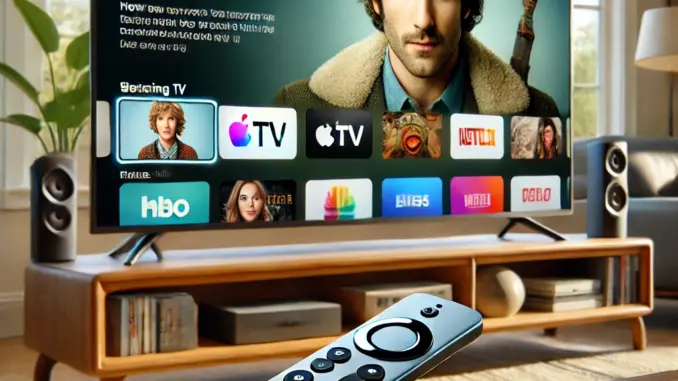
If you're a fan of Apple TV+ shows but use an Amazon Firestick, you might be wondering — can you get Apple TV on Firestick? The good news is: yes, you can! In this article from Husham.com, we'll show you exactly how to install the Apple TV app on your Firestick and start streaming in minutes.
Is Apple TV Available on Firestick?
Yes. The Apple TV app is officially available on the Amazon Appstore for Fire TV devices, including Firestick. This means you don't have to sideload or use any third-party apps. It's a simple download and install process.
How to Install Apple TV on Firestick
- Turn on your Firestick and go to the Home screen.
- Navigate to the Search icon (magnifying glass).
- Type Apple TV in the search bar and select it.
- Click on the Apple TV app in the search results.
- Select Download or Get.
- Once installed, open the app and sign in with your Apple ID.
What Can You Watch on Apple TV?
With the Apple TV app on Firestick, you can enjoy:
- Apple TV+ Originals like Ted Lasso, The Morning Show, and Severance
- iTunes movies and TV shows
- Apple Channels and streaming services in one place
Do You Need a Subscription?
While the app is free to download, some content requires a subscription. You can try Apple TV+ free for 7 days through your Apple account. After the trial, it costs around $6.99/month (prices may vary).
Compatible Firestick Devices
Apple TV works with the following Fire TV devices:
- Fire TV Stick 4K / 4K Max
- Fire TV Stick (2nd Gen and newer)
- Fire TV Cube
- Fire TV Edition Smart TVs
Need Help?
If you face any issues while installing or signing in, you can visit our support forum where users share tips, fixes, and updates daily.
Final Thoughts
Yes, you can absolutely get Apple TV on your Firestick! It’s an easy install and opens up a world of premium content on your streaming device. Whether you're watching Apple Originals or browsing your iTunes library, it's all just a few clicks away.
For more IPTV and streaming guides, stay tuned to Husham.com.