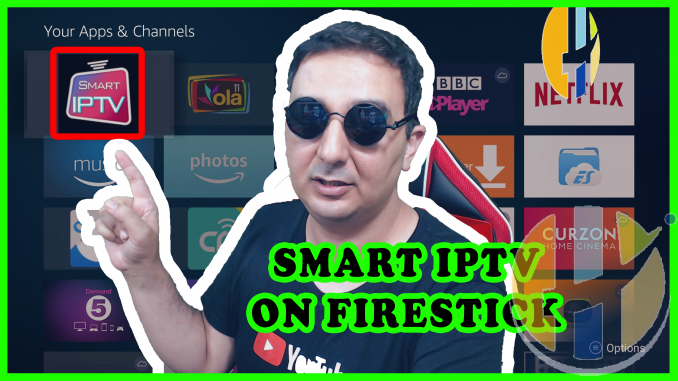
Install SMART IPTV on Firestick
In this guide I will show you how to install smart iptv firestick, it uses to be so simple to install SMART IPTV on the firestick. Just doing a search on the Amazon Firestick Store and you have go your SMART IPTV installed. Amazon latest conquest to the Firestick is to remove the SMART IPTV. Which a media player only. Users are not able to see what is the news on this and it has been over 2 weeks for any mention why amazon removed the SMART IPTV from the Firestick.
The people behind the SMART IPTV app has made it possible to download the SMART IPTV on your FIRESTICK via APKÂ format.
I made the below video on my youtube channel to make it easy for everyone to download the apk manually.
Best of luck to all.

How to install Smart IPTV on Firestick Download instructions?
Requirements
- Amazon Firestick or Amazon Fire TV
- Downloader ( install from the Amazon Store )
- SMART IPTV APK
Downloader APP
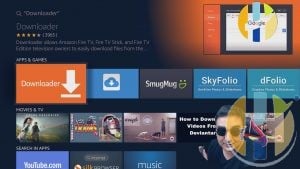
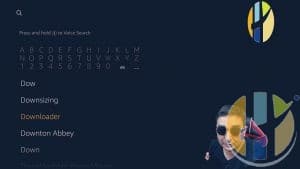
You can download the Downloader APP from The Amazon Store by searching for Downloader
How to download SMART IPTV APK?
You will need to use the Downloader app to download the SMART IPTV APK file
First OPEN the downloader and click browser option on the left
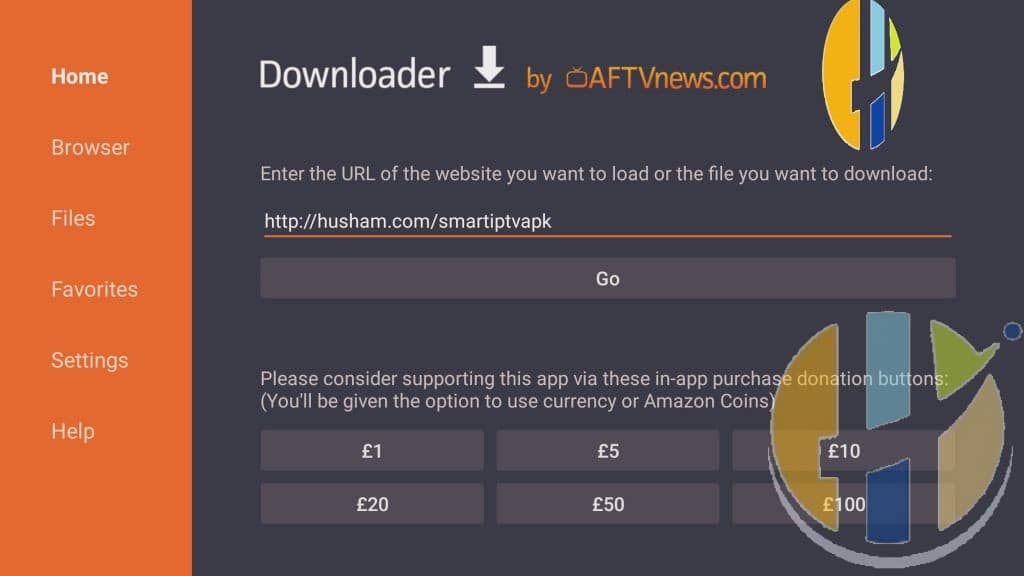
The enter the URLÂ www.husham.com/smartiptvapk
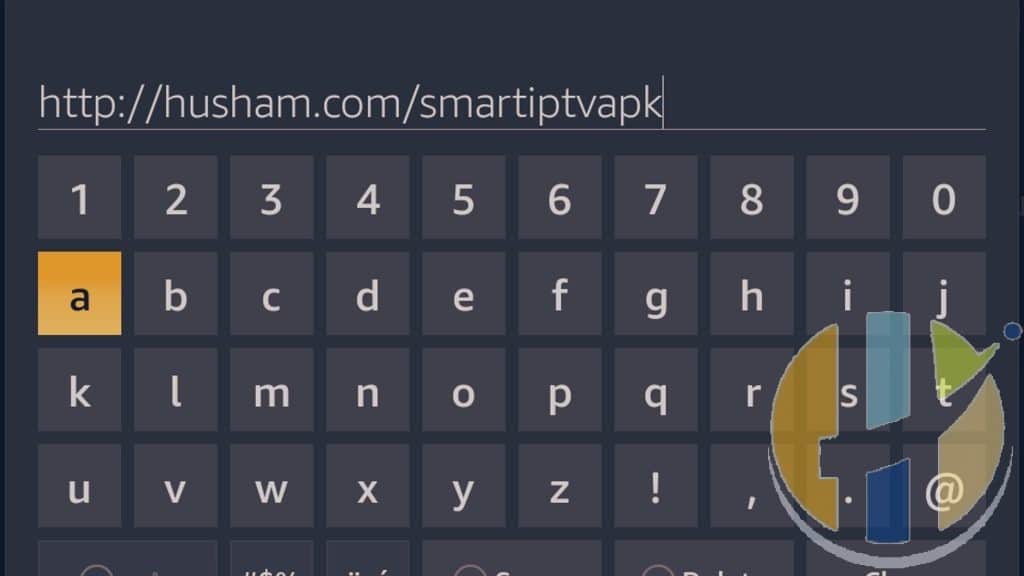
Then Press GO
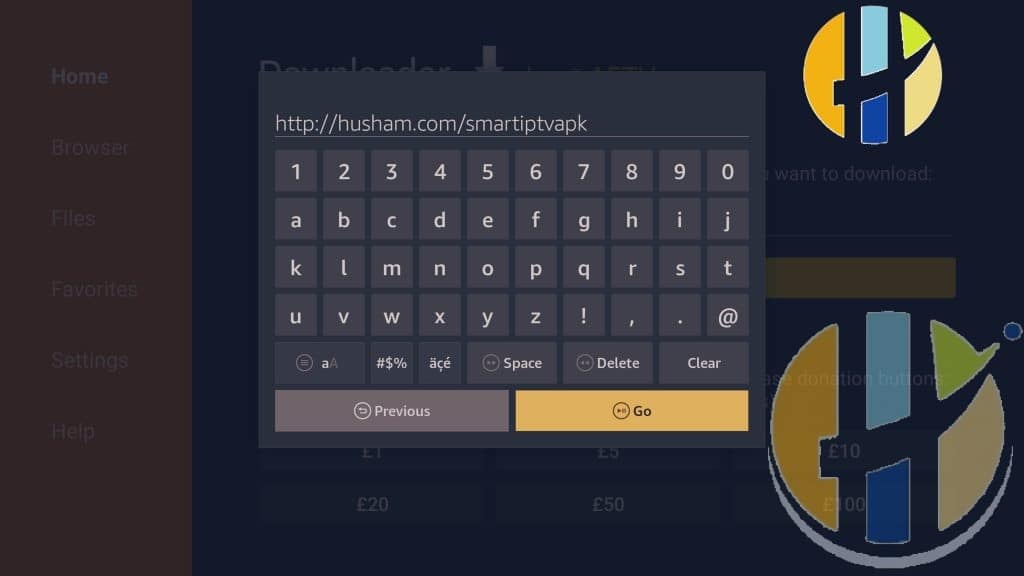
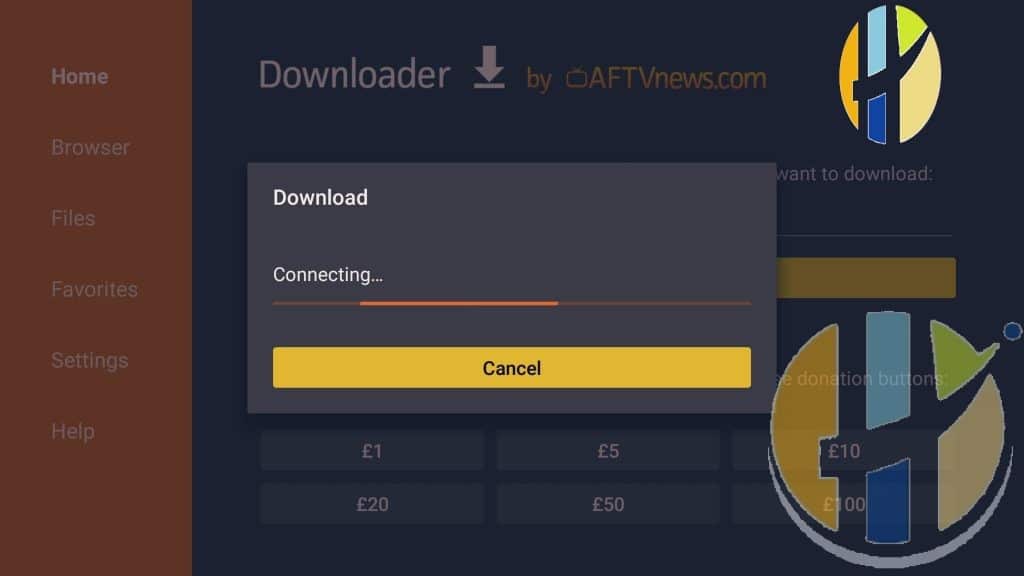
the download will begin
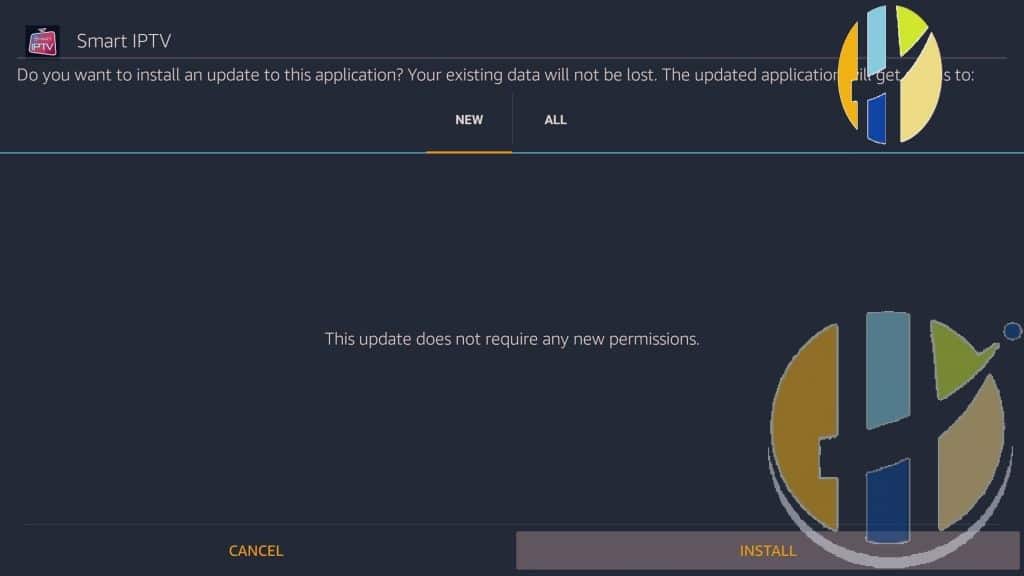
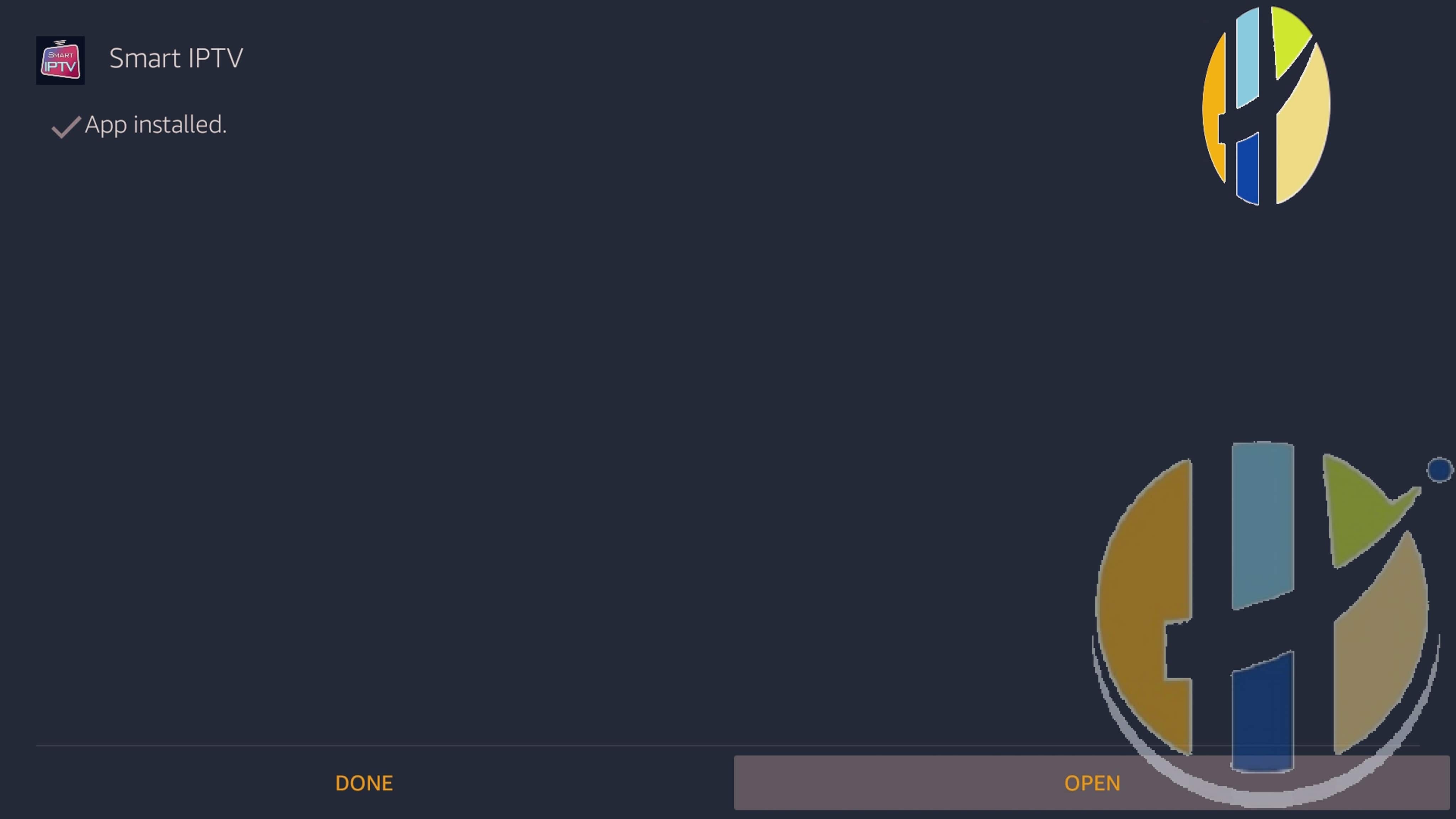
And click install
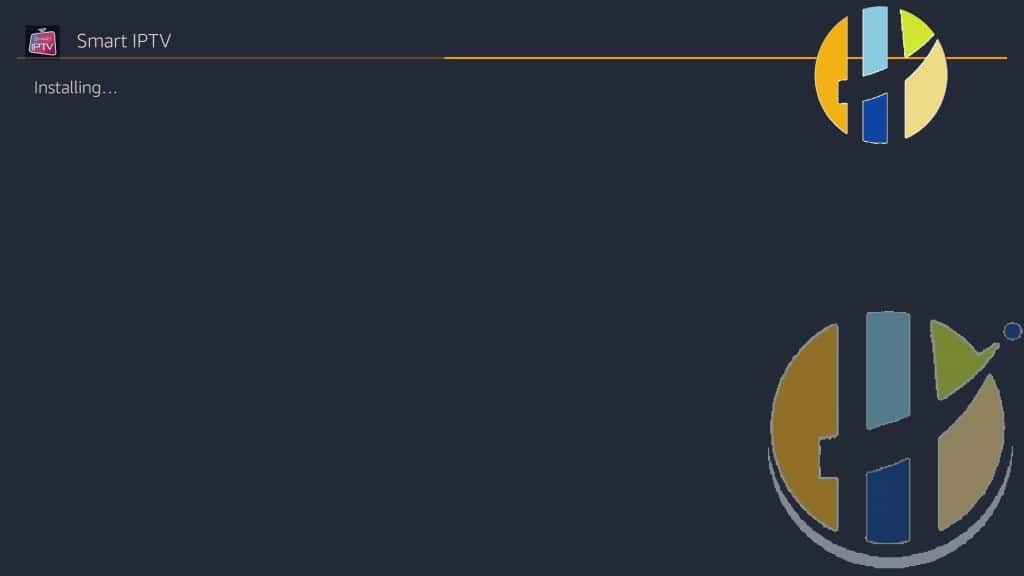
Then click DONE or OPEN it is up to you
Now you will need to register an IPTV service
Always joing me in the forum for further requested information
Hope you enjoyed this article, please leave information down below if you found this article helpful.
Also useful: if you are replacing an older Fire TV device, these are the two current options I would compare.
- Amazon Fire TV Stick 4K Max (newest gen): the current Wi-Fi 6E model; check the listing says Fire OS rather than Vega OS before you pay. Amazon UK | Amazon US | Amazon DE | Amazon FR | Amazon IT
- Google TV Streamer 4K: a simple Google TV box with Ethernet and the full Play Store. Amazon UK | Amazon US | Amazon DE | Amazon FR | Amazon IT
Best IPTV boxes to buy
These are certified Android TV / Google TV media boxes and sticks that can run players and licensed apps from Google Play. They are not pirate hardware. They do not come with channels or playlists. I am not claiming I personally lab-tested every SKU this month.
Buy one of these when: Fire TV sideload is a hassle on your model, you want Play Store apps on a proper TV OS, or you want a dedicated player shell behind the sofa. No Fire TV device is on this shortlist.
- NVIDIA SHIELD TV Pro: the premium pick, a certified Android TV player with AI upscaling, Dolby Vision/Atmos and Gigabit Ethernet for the main living-room telly. Amazon UK | Amazon US | Amazon DE | Amazon FR | Amazon IT
- Google TV Streamer 4K: solid Google TV living-room default with Ethernet, 32GB storage and Dolby Vision/Atmos. Amazon UK | Amazon US | Amazon DE | Amazon FR | Amazon IT
- Xiaomi TV Box S (3rd Gen): Google TV box with 32GB storage, Wi-Fi 6 and Dolby Vision/Atmos, the cheaper box route than the Streamer. Amazon UK | Amazon US | Amazon DE | Amazon FR | Amazon IT
- Xiaomi TV Stick 4K (2nd Gen): budget Google TV stick with Wi-Fi 6 and Dolby Vision/Atmos when you want HDMI-simple, not a full box. Amazon UK | Amazon US | Amazon DE | Amazon FR | Amazon IT
- Strong LEAP-NOVA: Google TV certified 4K stick on Android 14 with 32GB storage, Wi-Fi 6 and Dolby Vision, for a second telly. Amazon DE | Amazon FR | Amazon IT
- MECOOL MEon1: Google TV certified 4K box with AI upscaling and 32GB storage for a dedicated player behind the sofa. Amazon UK
Still shopping for a Fire TV device? Fine for Prime Video and the Appstore universe. Not the shortlist above. And none of these boxes magically make unlicensed streams legal.