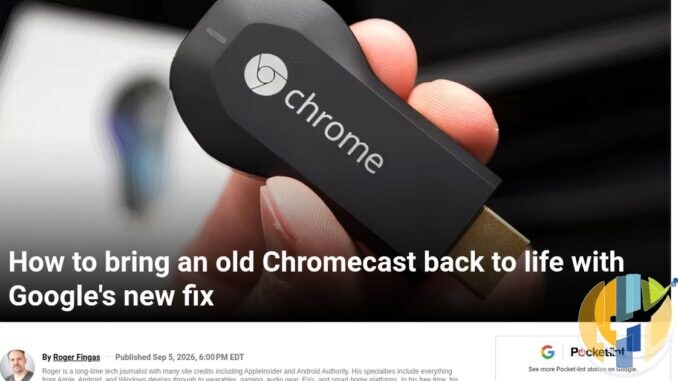
I still have a first-gen Chromecast in a drawer. The ugly HDMI stick that used to live permanently in the spare TV. Last month a friend messaged me: Google Home would not finish setup. Same stick. Same Wi-Fi. Same “almost there” loop. He was ready to bin it.
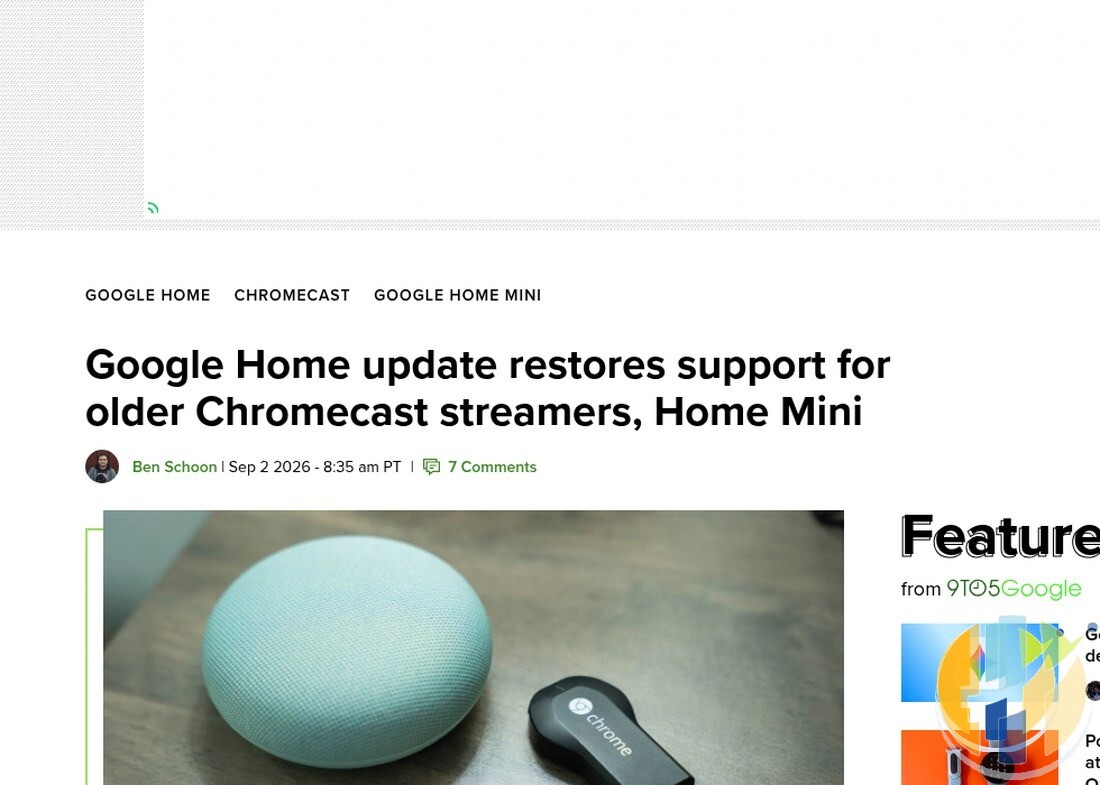
Turns out he was not alone. Through spring and again late July 2026, older Chromecasts and some Google Home Mini units started failing setup in the Home app, especially on Android. Google eventually shipped a fix. Google Home v4.26. Update the app, factory reset the stick, set it up again. That is the whole path. Boring. Effective.
What actually broke
Coverage from 9to5Google, Android Authority, and Pocket-lint lines up with what Nest Community and Reddit replies were saying for months:
- 1st-gen Chromecast (2013) and 2nd-gen (2015) hit hardest
- Google Home Mini also in the blast radius
- Mostly the Android Google Home app path
- Symptoms: setup stalls, Cast fails after “success”, device vanishes mid-flow
Google’s public line once v4.26 landed: issue resolved. Update Home, reset the hardware, try again. No heroic firmware dance. Just app plus clean device state.
Do this in order (UK-friendly)
- Open the Play Store (or App Store if you are on iPhone) and update Google Home to 4.26 or newer. Force-stop the app once after updating. Cold start beats half-updated caches.
- Put the Chromecast on the same Wi-Fi you will use for setup. Phone on that network too. Guest Wi-Fi with client isolation will ruin your afternoon.
- Factory reset the stick (paths below).
- Open Home → add device → follow Cast / Chromecast setup. When it asks for the TV code, type what is on screen. Do not skip the network step.
- Cast a YouTube tab or Photos album as a five-second sanity check.
If setup still dies after that, reboot the router, forget the Wi-Fi on the phone, reconnect, and retry once. Then stop. Repeating the same broken path twenty times is not a strategy.
Google’s support page for Chromecast reset still lists both routes (support.google.com/chromecast/answer/6254654):
From the Home app (device already on the same network): open the Chromecast → Settings → More → Factory reset. Confirm. Wait until the stick reboots into setup mode.
Physical button when the app cannot see it:
- 1st gen: hold the button for at least 25 seconds until the LED flashes red. Release when the LED blinks white and the TV blanks. That is your cue.
- 2nd gen / 3rd gen / Ultra: hold the side button. LED blinks orange. Release when it goes solid white.
Ultra owners: same side-button dance as 2nd/3rd gen. Do not confuse the reset hold with a short press that only wakes Cast.
After reset: the boring checks that save time
A few things that keep biting people in UK flats with mesh Wi-Fi and “smart” ISP routers:
- 2.4 GHz vs 5 GHz: older sticks are happier on 2.4 GHz. If your SSID is band-steered into one name, try a temporary 2.4-only guest network for setup, then move it.
- VPN on the phone during setup: off. Always.
- VPN on the network: fine later for streaming apps. Not during Cast pairing.
- Multiple Google accounts in Home: pick the household account you actually use for Cast before you start.
Once it is back, leave it alone. These sticks are end-of-sale hardware. Google replaced the line with the Google TV Streamer. Soft note only: if the stick dies for good, that is the current Cast-shaped box. Pricing chatter can wait; this post is about recovering what you already own.
Should you keep an old Chromecast in 2026?
If it works after v4.26, yes for a secondary TV. Netflix, YouTube, BBC iPlayer via Cast from the phone still cover a lot of evenings. It will not get shiny new Google TV features. It does not need to.
If you are shopping a proper living-room box instead, the 2026 hardware round-up still frames Google TV Streamer against Apple TV and the last Android Fire sticks. And if your other sofa stick is Amazon’s Vega mess, the Fire OS sticks ending note is the contrast piece.
First-gen especially is deep into end-of-support territory. Google may keep Cast working. It will not keep inventing reasons to. Treat a recovered stick as a win, not a five-year plan.
Quick checklist
- Home app → 4.26+
- Same Wi-Fi on phone and stick
- Factory reset (app or button)
- Set up again from Home
- Test-cast something short
That is the fix path. No new stick required. No mysterious secret menu. Update, reset, set up. If the LED never hits white after a proper hold, the hardware may finally be done. Then you shop. Until then, pull the old Chromecast out of the drawer and give it one clean run with Home 4.26.
Best IPTV boxes to buy
These are media boxes and sticks that can run players and licensed apps. The first six are Google certified Android TV or Google TV devices with Google Play; the last one, the Formuler, runs its own Android and is not certified. They are not pirate hardware. They do not come with channels or playlists. I am not claiming I personally lab-tested every SKU this month.
Buy one of these when: Fire TV sideload is a hassle on your model, you want Play Store apps on a proper TV OS, or you want a dedicated player shell behind the sofa. No Fire TV device is on this shortlist.
- NVIDIA SHIELD TV Pro: the premium pick, a certified Android TV player with AI upscaling, Dolby Vision/Atmos and Gigabit Ethernet for the main living-room telly. Amazon UK | Amazon US | Amazon DE | Amazon FR | Amazon IT
- Google TV Streamer 4K: solid Google TV living-room default with Ethernet, 32GB storage and Dolby Vision/Atmos. Amazon UK | Amazon US | Amazon DE | Amazon FR | Amazon IT
- Xiaomi TV Box S (3rd Gen): Google TV box with 32GB storage, Wi-Fi 6 and Dolby Vision/Atmos, the cheaper box route than the Streamer. Amazon UK | Amazon US | Amazon DE | Amazon FR | Amazon IT
- Xiaomi TV Stick 4K (2nd Gen): budget Google TV stick with Wi-Fi 6 and Dolby Vision/Atmos when you want HDMI-simple, not a full box. Amazon UK | Amazon US | Amazon DE | Amazon FR | Amazon IT
- Budget Google TV 4K player: a cheaper certified Google TV player for a second telly. The model differs by store, so each link names the one you get there. MECOOL KD3 (Amazon UK) | onn. Google TV 4K Streaming Box (Amazon US) | Strong LEAP-NOVA-X (Amazon DE) | Strong LEAP-NOVA-X (Amazon FR) | Strong LEAP-NOVA-X (Amazon IT)
- MECOOL MEon1: Google TV certified 4K box with AI upscaling and 32GB storage for a dedicated player behind the sofa. Amazon UK
- Formuler Z12 Ultra SE: the newest Formuler box, built around MYTVOnline 4 for IPTV playlists. It runs Formuler’s own Android rather than certified Google TV, so there is no Netflix in HD and it is the one box here without Google certification. Formuler Z12 Ultra SE (Amazon UK) | Formuler Z12 Ultra SE (Amazon US) | Formuler Z12 Ultra SE (Amazon DE) | Formuler Z12 Ultra SE (Amazon FR) | Formuler Z12 Ultra SE (Amazon IT)
Still shopping for a Fire TV device? Fine for Prime Video and the Appstore universe. Not the shortlist above. And none of these boxes magically make unlicensed streams legal.