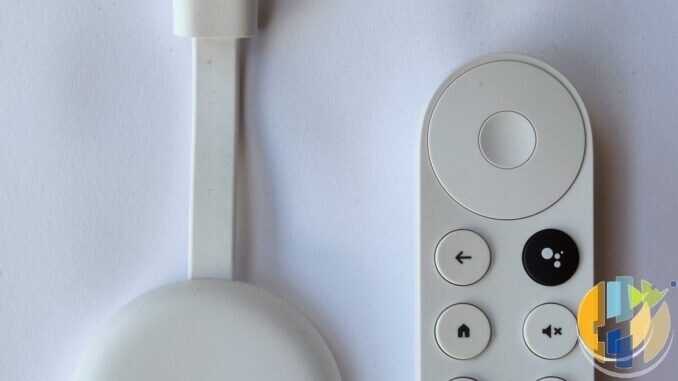
Freely on a dedicated box is brilliant when all you want is BBC, ITV, Channel 4, 5 and the free live grid without an aerial. It is less brilliant when your household also wants the full Google Play catalogue, a Matter/Thread smart-home hub, Ethernet as standard, and a remote that behaves like a proper Google TV. That is when Freely-alone hardware stops being enough, and the Google TV Streamer 4K starts looking like the certified hub rather than a luxury dongle.
This is about when a Freely-only Aero or PLEIO leaves gaps, and when Google’s own Streamer fills them without pretending to be Freely.
What to do this week
- List gaps: missing apps / Matter / Ethernet / Google household habits.
- If Freely-only still covers you → buy Aero/PLEIO (or nothing).
- If gaps are real → Streamer (UK store around £99.99 mid-Sep 2026 snapshot — check live Google Store GB); use Ethernet; Play Store apps; keep Freely elsewhere if needed.
- Confirm the BBC Google certified list still includes Streamer 4K (2024) — it does on the live page at time of writing.
What Freely-only boxes optimise for
Official Freely guidance still points aerial-free Samsung, LG and Sony owners at Netgem PLEIO and Manhattan Aero. They nail:
- Live UK public-service TV over broadband
- Integrated catch-up in the Freely guide
- A simple “plug in, join Wi-Fi, watch” story
They are not trying to be your whole Google ecosystem. TiVo OS on Aero is curated. PLEIO adds Android TV and gaming, yet Freely remains the hero feature. If that matches your sofa, stop reading and buy the Freely box.
When Freely alone is not enough
Upgrade pressure usually shows up as one of these:
- You need apps that are awkward or missing on the Freely box OS you chose.
- You want one remote for TV apps and Google Home / Matter devices.
- Wi-Fi behind the TV is miserable and you want built-in Ethernet without adapters.
- You already live in Google accounts, Photos screensavers, and Cast habits.
- You care about BBC iPlayer on a path that sits on the BBC’s own Google certified list.
Freely does not vanish from your life if you pick a Streamer. You can still use broadcaster apps, other rooms with Freely TVs, or a second cheap Freely stick later. You are choosing a hub, not burning a platform.
What the Google TV Streamer 4K actually is
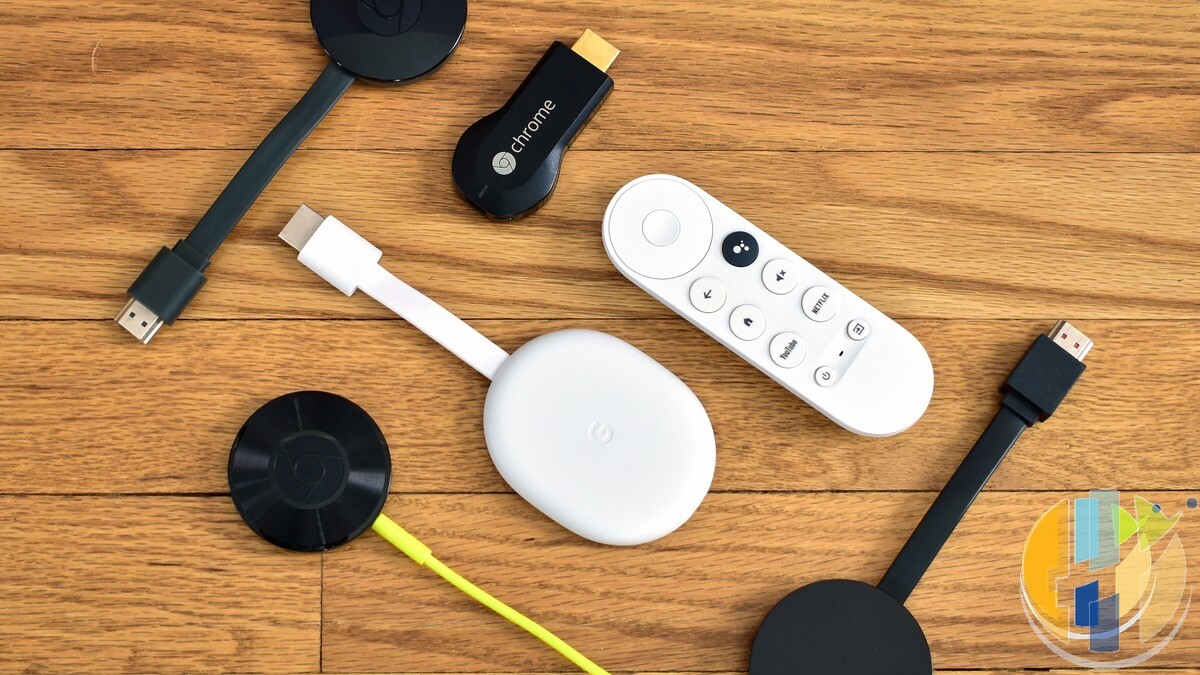
Google’s UK Store and Help pages pitch the Streamer as the step up from Chromecast with Google TV: a small box, up to 4K with Dolby Vision, Dolby Atmos, voice remote with find-my-remote tricks, built-in Ethernet, and a Thread border router / Matter / Google Home hub role. UK store pricing has sat around £99.99 (mid-Sep 2026 snapshot — re-check Google Store GB). Our earlier UK-versus-US price note is the soft companion if you are watching currency drama.
On the BBC side, the live Google certified iPlayer list includes Google TV Streamer 4K (2024). Install iPlayer from the Play Store on that certified path. That matters in a month when uncertified Android TV paths face a late-September 2026 cliff (see IP30). Certified Google hardware plus the official Play Store app is the grown-up route.
Native Freely? Not the Streamer’s job. Freely’s own streaming-device list is still the Freely-branded boxes. Buy Streamer for Google TV. Buy Aero/PLEIO for Freely-first. Mix only if your house needs both personalities.
Streamer as certified Google TV hub
Practical hub checklist:
- Install the UK apps you actually pay for from Play Store: Netflix, NOW, Disney+, Prime Video, ITVX, Channel 4, and official iPlayer (Streamer 4K is on the BBC Google list).
- Use Ethernet if the TV niche is a Wi-Fi swamp.
- Turn on the Google Home / Matter side only if you will use it. A hub you ignore is just an expensive clock.
- Keep Freely on a TV that has it built in, or on a dedicated Freely box (Aero / PLEIO) in the room that needs the live grid most.
Player only. Official apps. No playlist bundles sold as “channels.”
Who should still buy Freely hardware instead
- You mainly want free live UK TV without an aerial and hate OS sprawl.
- You do not care about Matter or Google Assistant deep integration.
- Aero or PLEIO already covers the apps you pay for.
- You want the cheapest honest Freely add-on for a second TV.
Skip Streamer if Freely-only already does the job — roughly a £100 hub tax for no new habit.
Who should put Streamer on the HDMI
- Google household, Cast habits, smart-home panel on the TV.
- You need Ethernet without hunting USB adapters.
- You want BBC’s Google certification path in writing.
- Freely-only OS gaps are already annoying you.
Freely alone is enough when Freely is the product. When the living room is also a Google hub, stop forcing a Freely puck to pretend. Put the Streamer on the main HDMI, keep legal apps signed in, and let Freely live where Freely is native.
Budget Google TV sticks answer “cheap HDMI player with Play Store.” Freely boxes answer “aerial-free UK live TV first.” The Streamer answers “Google living-room hub with certified Google TV DNA.” Buy the job, not the forum winner.
Best IPTV boxes to buy
These are media boxes and sticks that can run players and licensed apps. The first six are Google certified Android TV or Google TV devices with Google Play. The three Fire TV Sticks run Amazon’s own systems with the Appstore instead of Google Play: the 4K Max and 4K Plus run Fire OS, which is Android based, while the new Fire TV Stick 4K (2026) runs Vega OS, which does not allow sideloading Android apps, only Appstore apps. The last one, the Formuler, runs its own Android and is not certified. They are not pirate hardware. They do not come with channels or playlists. I am not claiming I personally lab-tested every SKU this month.
Pick a Google TV box when you want Play Store apps on a proper TV OS or a dedicated player behind the sofa. Pick a Fire TV Stick when Prime Video and the Appstore already cover what you watch. If you need an Android player from outside the Appstore, skip the Vega OS stick.
- NVIDIA SHIELD TV Pro: the premium pick, a certified Android TV player with AI upscaling, Dolby Vision/Atmos and Gigabit Ethernet for the main living-room telly. Amazon UK | Amazon US | Amazon DE | Amazon FR | Amazon IT
- Google TV Streamer 4K: solid Google TV living-room default with Ethernet, 32GB storage and Dolby Vision/Atmos. Amazon UK | Amazon US | Amazon DE | Amazon FR | Amazon IT
- Xiaomi TV Box S (3rd Gen): Google TV box with 32GB storage, Wi-Fi 6 and Dolby Vision/Atmos, the cheaper box route than the Streamer. Amazon UK | Amazon US | Amazon DE | Amazon FR | Amazon IT
- Xiaomi TV Stick 4K (2nd Gen): budget Google TV stick with Wi-Fi 6 and Dolby Vision/Atmos when you want HDMI-simple, not a full box. Amazon UK | Amazon US | Amazon DE | Amazon FR | Amazon IT
- Budget Google TV 4K player: a cheaper certified Google TV player for a second telly. The model differs by store, so each link names the one you get there. MECOOL KD3 (Amazon UK) | onn. Google TV 4K Streaming Box (Amazon US) | Strong LEAP-NOVA-X (Amazon DE) | Strong LEAP-NOVA-X (Amazon FR) | Strong LEAP-NOVA-X (Amazon IT)
- MECOOL MEon1: Google TV certified 4K box with AI upscaling and 32GB storage for a dedicated player behind the sofa. Amazon UK
- Fire TV Stick 4K Max: the most powerful Fire TV Stick, with Wi-Fi 6E, Dolby Vision/Atmos and 16GB storage. It runs Fire OS, which is Android based, so you get Appstore apps and can still sideload an Android player. Amazon UK | Amazon US | Amazon DE
- Fire TV Stick 4K Plus: the older Fire OS stick with Wi-Fi 6 and Dolby Vision/Atmos. It is being phased out, so buy it only while stock lasts. Like the Max, it can still sideload Android apps. Amazon UK | Amazon US | Amazon DE | Amazon FR | Amazon IT
- Fire TV Stick 4K (2026): the newest and slimmest 4K stick, with a new remote. It runs Vega OS, which does not allow sideloading Android apps, only Appstore apps, so check your player is in the Appstore before you buy. Amazon UK | Amazon US | Amazon DE | Amazon FR | Amazon IT
- Formuler Z12 Ultra SE: the newest Formuler box, built around MYTVOnline 4 for IPTV playlists. It runs Formuler’s own Android rather than certified Google TV, so there is no Netflix in HD and no Google certification. Formuler Z12 Ultra SE (Amazon UK) | Formuler Z12 Ultra SE (Amazon US) | Formuler Z12 Ultra SE (Amazon DE) | Formuler Z12 Ultra SE (Amazon FR) | Formuler Z12 Ultra SE (Amazon IT)
Whichever you pick, check that the app you need is in its store before you pay. And none of these boxes or sticks magically make unlicensed streams legal.