
Why is My IPTV Stopped Working Sometimes?
Understanding the Intermittent Issues and How a Good VPN Can Help
Intermittent IPTV Issues

If you've noticed that your IPTV service sometimes stops working unexpectedly and then resumes after a while, you're not alone. This erratic behavior can stem from several factors, including network congestion, unstable internet connections, or even your ISP interfering with streaming protocols.
IPTV Streams vs. YouTube Videos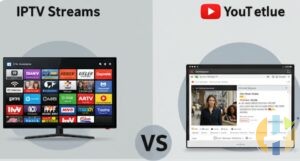
It's important to understand that IPTV streams are fundamentally different from services like YouTube. While YouTube uses adaptive streaming protocols that adjust to varying network conditions, IPTV relies on continuous, stable data transmission. This means that even if YouTube appears to be working fine, it doesn't necessarily indicate that your internet connection is free from restrictions or throttling. Your ISP might be selectively blocking or slowing down IPTV traffic without affecting other services.
How a VPN Can Help
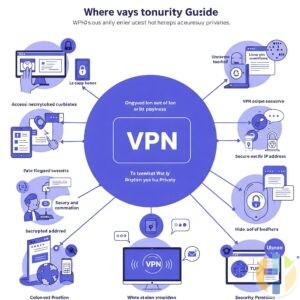
One effective way to mitigate these issues is to use a high-quality Virtual Private Network (VPN). Here’s how a VPN can improve your IPTV experience:
- Bypassing ISP Restrictions: A VPN encrypts your data and routes your traffic through secure servers, making it much harder for your ISP to throttle or block specific types of content.
- Enhancing Privacy: With a VPN, your online activity is hidden from prying eyes, ensuring that your IPTV usage remains private.
- Stable Connection: A good VPN can sometimes offer more consistent connection speeds by avoiding congested routes used by your ISP.
Before choosing a VPN, make sure to select a provider known for fast speeds, reliable connections, and servers in locations that best serve your IPTV needs.
Additional Tips to Improve Your IPTV Experience
- Test your internet speed to ensure it meets the requirements for IPTV streaming.
- Restart your modem and router periodically to clear any network congestion.
- Contact your IPTV provider if problems persist, as the issue may be on their end.
- Regularly update your streaming device’s firmware for optimal performance.