If there is a Synology box humming away under your telly, in the loft or next to the router, log in to it before you do anything else today. Ransomware called C3RB3R is turning family photos, Plex libraries and tax returns on out-of-date Synology NAS drives into files ending in .L0CK3D, and Synology itself confirmed the attacks on 29 October.
The good news is that this is a door Synology closed months ago; the attackers are simply walking through it on boxes nobody updated. The less good news is that the attack does not need your password at all. Here is what is going on, which DSM version you need, how to check whether anyone got in, and what to do if your files already have a ransom note sitting next to them.
Quick answer
- What is it? A ransomware campaign against Synology NAS drives running old versions of DSM, Synology’s operating system. Security firm 360 calls it C3RB3R, a variant of the Cerber family. Encrypted files get a .L0CK3D extension and a ransom note called read-me3.txt.
- Is it real? Yes. Synology said on 29 October 2026 that attackers are exploiting a flaw it patched in December 2024 to encrypt data and demand a ransom.
- Does a strong password help? Not against the break-in. The 2024 flaw Synology points to is rated 9.8 out of 10 and needs no login to exploit.
- The fix: update DSM to the newest build of the version you already run. As a minimum: 7.4-90075, 7.3.2-86009-4, 7.2.2-72806-9 or 7.2.1-69057-12. That covers both the 2024 flaw and the September 2026 flaws that 360 links to the attacks.
- Then: update PHP in Package Center if you use Web Station, WordPress or the other packages hit by PHP2Shell, stop exposing the DSM login page to the internet, and check for .L0CK3D files.
What actually happened
Synology’s statement is short and, frankly, a bit awkward for the “it just works” brand: “Synology has identified threat actors exploiting a vulnerability patched in December 2024 to target devices running outdated versions of DSM. These attacks aim to encrypt data and extort ransom.” It points to its advisory Synology-SA-24:20, the batch of bugs found at the Pwn2Own hacking contest in 2024.
The nastiest of those, CVE-2024-10441, lets a remote attacker run code on the NAS. Synology rates it 9.8, and its scoring says no account and no user interaction are required. In plain English: the attacker does not guess your password. They never get asked for one.
On the same day, Chinese security company 360 published its own warning. It says its anti-ransomware team has been handling C3RB3R cases on Synology NAS drives since early October, and it blames two newer DSM flaws instead: CVE-2026-13639 and CVE-2026-13684, both also rated 9.8, fixed by Synology on 18 September 2026 in advisory Synology-SA-26:13, with “Mitigation: None” listed. IT-Connect, which reported the campaign on 29 October, adds that the malware encrypts files with ChaCha8 and protects the keys with RSA-2048, and that a proof of concept for the 2024 flaw was posted on GitHub days before.
So which bug is it? Possibly both, depending on how old your DSM is. Synology and 360 do not quite agree, and I am not going to pretend to know better than either of them. The practical answer is the same: the newest build of your DSM line fixes everything in both advisories.
There is a special kind of comedy in a company that sells “your private cloud” having to remind people that the private cloud needs updating. But to be fair to Synology, the patches have been sitting there for months. The ransomware gang just did the update check that a lot of owners skipped.
Who needs to worry
Anyone with a Synology NAS that is not on a current DSM build, and especially if its login page can be reached from the internet. That includes port forwarding on your router and, as NAS access firm RocketZero points out in its own guide, Synology’s QuickConnect, which also makes the DSM sign-in page reachable from outside your home.
If you set up your NAS years ago to run Plex, back up the family laptops or store the photos from every holiday since 2009, and you have not looked at it since, you are the target audience. Ransomware gangs love a device that is always on, full of irreplaceable files and never checked.
Which DSM version do you need?
| Your DSM line | Minimum safe build | Notes |
|---|---|---|
| DSM 7.4 | 7.4-90075 or later | Fixes the September 2026 flaws (SA-26:13) |
| DSM 7.3 | 7.3.2-86009-4 or later | Fixes SA-26:13 |
| DSM 7.2.2 | 7.2.2-72806-9 or later | Also covers the 2024 flaw (fixed from 7.2.2-72806-1) |
| DSM 7.2.1 | 7.2.1-69057-12 or later | Also covers the 2024 flaw (fixed from 7.2.1-69057-6) |
| DSM 7.2 | 7.2-64570-4 or later | 2024 fix only; SA-26:13 does not list this line |
| DSM 7.1 | 7.1.1-42962-7 or later | 2024 fix only; SA-26:13 does not list this line |
| DSM 6.2 | 6.2.4-25556-8 or later | Synology rated the 2024 issue Moderate on 6.2 |
The minimum builds come straight from Synology’s advisories SA-24:20 and SA-26:13. If your box offers a newer build of the same line, take it. Synology’s own PHP2Shell notice describes DSM 7.2, 7.1, 7.0 and 6.2 as end of life, so if you are on one of those, this is also a polite hint to plan an upgrade or a replacement.
How to check your version and update DSM
- On a computer on the same home network, open a browser and go to find.synology.com, or type your NAS’s address followed by :5000 (for example 192.168.1.20:5000). Synology’s help pages list both methods.
- Sign in with an administrator account.
- Open Control Panel, then Update & Restore, then DSM Update. Your current DSM version is shown at the top. You can also see it under Control Panel, Info Center, General.
- Compare it with the table above.
- If an update is offered, click Download, then Update Now. The NAS restarts on its own when it is finished.
- If no update appears, go to the Synology Download Center, choose your exact model, open the Operating System tab and download the DSM update file. Back in DSM Update, click Manual DSM Update, browse to the file and install it.
- Click Update Settings and choose Automatically install important updates. This is the option Synology recommends for security fixes.
Two things from Synology’s own help page worth knowing before you click: updates cannot be undone, and although an update does not touch your data, Synology still “strongly” recommends a backup first. If your only copy of the wedding photos is on this box, copy the irreplaceable folders to a USB drive before you start.
Update PHP too (the PHP2Shell bit)
While you are logged in, there is a second job. Synology says the PHP2Shell flaws (CVE-2026-109618 and CVE-2026-109619, which CISA lists as exploited) only affect NAS drives running certain PHP packages: Calendar, IDrive, Joomla, KodExplorer, MailStation, MediaWiki, phpMyAdmin, vtigerCRM, Web Station and WordPress.
- Open Package Center.
- Look for a PHP update and install it. Synology has released one for DSM 7.4 and 7.3, and for the end of life DSM 7.2, 7.1, 7.0 and 6.2.
- If you use MailStation, Synology says it needs a manual update in Package Center, so check it separately.
- If your NAS is older than DSM 6.2, Synology’s advice is to switch those packages off until you can move to a supported DSM.
- Remove any package you no longer use. Every forgotten web app is another door.
Check whether anyone got in before you updated
Updating locks the door. It does not tell you whether someone already came in and made themselves a cup of tea. Spend ten minutes on this:
- Look for the calling cards. In File Station, search your shared folders for files ending in .L0CK3D and for a file named read-me3.txt.
- Check your accounts. Go to Control Panel, User & Group. Any administrator you did not create is a very bad sign.
- Check scheduled tasks. In Control Panel, Task Scheduler, look for tasks you do not recognise, especially scripts.
- Read the logs. In Log Center, look for sign-ins at strange times or from addresses you do not know.
- Run Security Advisor. It is built into DSM, scans your settings and tells you what is weak.
If anything looks wrong, treat the NAS as compromised: copy off what you need, then reset DSM rather than just updating it.
If your files are already encrypted
- Unplug the network cable to cut off the attacker and stop it spreading to the rest of your network.
- Do not delete the ransom note or the encrypted files. They may be needed if a way to decrypt them appears.
- Check No More Ransom (nomoreransom.org), the free decryptor project backed by Europol and security firms. I could not find a public decryptor for .L0CK3D files as of 2 November 2026.
- Contact Synology support and, if this is a business NAS, your local police cyber unit (Action Fraud in the UK).
- Restore from a snapshot or an offline backup once the NAS has been reset and fully updated.
Paying is your call, but remember who you are negotiating with: people whose business model is breaking promises about your data.
Lock it down so the next one is boring
- Stop putting the DSM login page on the internet. Synology’s own security guide says that if you need to manage DSM remotely, connect through a VPN instead of opening the management ports. Check your router for port forwards to 5000 and 5001 and remove the ones you do not need.
- Turn on two-factor sign-in under the Options menu (the person icon, top right), Personal, Security, 2-Factor Authentication. It will not stop this particular exploit, but it stops the boring password-guessing ones.
- Deactivate the default “admin” account once you have another administrator account that definitely works.
- Switch on Auto Block in Control Panel, Security, Protection, so an address that keeps failing to sign in gets blocked.
- Take snapshots. Snapshot Replication can take regular snapshots of your shared folders, and on supported models they can be made immutable so even an attacker with admin rights cannot delete them for the protection period. It needs a Btrfs volume.
- Keep one backup the NAS cannot reach. A USB drive you unplug afterwards, or Hyper Backup to another location. RAID is not a backup: it happily keeps two perfectly mirrored copies of your encrypted files.
A quick word on VPNs
Let me be straight, because the small print in this industry rarely is: a commercial VPN app will not patch your NAS, and it is not the same thing as a private tunnel into your home network. For reaching DSM from outside, Synology points you to a VPN into your own network, such as Synology’s own VPN Server package, rather than an open port. Where a commercial VPN does earn its keep is on hotel, airport and café Wi-Fi, when you are checking the NAS from your phone and do not fancy sharing the trip with whoever runs that network. If you want one, these are the ones I link to: NordVPN, Surfshark, IPVanish, CyberGhost, PureVPN and Ivacy, compared side by side in my VPN comparison. And because your NAS admin password now guards every photo you own, keep it long, unique and in a password manager such as NordPass.
While you are in update mode
If your NAS runs Plex, make sure Plex Media Server is patched against Plex2Shell as well, because a patched DSM with an unpatched Plex is still a house with one window open. Then work through my Brotli bug checklist for Chrome, Discord and VS Code, and if you are the family IT helper, update TeamViewer to 15.83 before you remote into anyone’s NAS.
Update (2 November 2026): what to watch next. Synology’s statement names only its 2024 advisory, while 360 links the attacks to the September 2026 flaws, so watch for Synology to clarify which DSM versions are being hit. None of these Synology flaws appeared among the CISA exploited list additions for 26 October to 1 November. I could not find a public decryptor for .L0CK3D files. If any of that changes, I will add a dated update here.
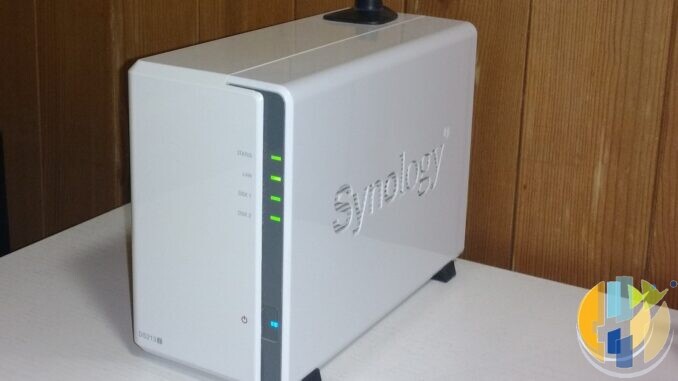
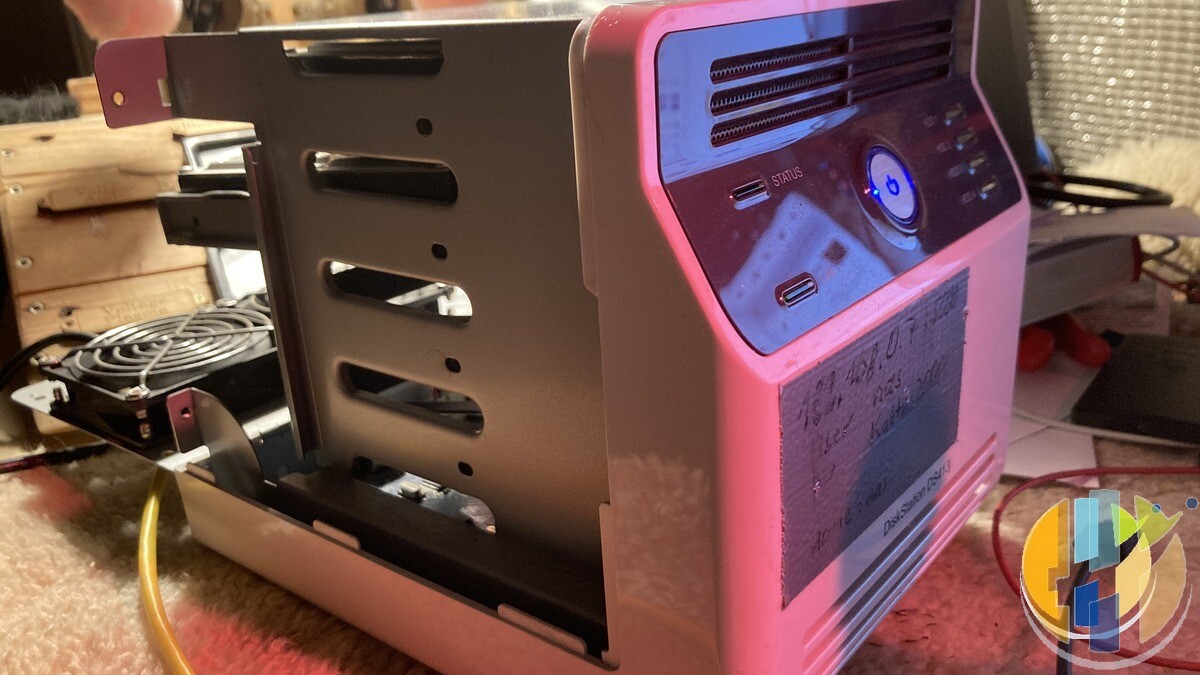
Sources: Synology, “Synology urges users to update DSM following ransomware attacks on outdated DSM versions” (29 October 2026); Synology advisories SA-24:20 and SA-26:13; Synology, PHP2Shell updates for end of life DSM versions (updated 29 October 2026); Synology Knowledge Center, DSM Update, checking your DSM version and extra security for your Synology NAS; 360’s C3RB3R warning as summarised by pwn.watch; IT-Connect (29 October 2026); CSIRT-CAN; RocketZero (31 October 2026). Images: Synology DS213j by Fabian sigrist and Synology DS413j by Korrupt, both from Wikimedia Commons (CC BY-SA 4.0 and CC BY 4.0), cropped, with husham.com stamp.
Once the NAS is sorted, the box that plays all those files deserves a look too. A streaming player that still gets proper Play Store updates is a much happier neighbour for your media library than one the manufacturer forgot about.
Best IPTV boxes to buy
If your NAS is the library, these are the media boxes and sticks that read from it: they run players and licensed apps. The first six are Google certified Android TV or Google TV devices with Google Play. The three Fire TV Sticks run Amazon’s own systems with the Appstore instead of Google Play: the 4K Max and 4K Plus run Fire OS, which is Android based, while the new Fire TV Stick 4K (2026) runs Vega OS, which does not allow sideloading Android apps, only Appstore apps. The last one, the Formuler, runs its own Android and is not certified. They are not pirate hardware. They do not come with channels or playlists. I am not claiming I personally lab-tested every SKU this month.
Pick a Google TV box when you want Play Store apps on a proper TV OS or a dedicated player behind the sofa. Pick a Fire TV Stick when Prime Video and the Appstore already cover what you watch. If you need an Android player from outside the Appstore, skip the Vega OS stick.
- NVIDIA SHIELD TV Pro: the premium pick, a certified Android TV player with AI upscaling, Dolby Vision/Atmos and Gigabit Ethernet for the main living-room telly. Amazon UK | Amazon US | Amazon DE | Amazon FR | Amazon IT
- Google TV Streamer 4K: solid Google TV living-room default with Ethernet, 32GB storage and Dolby Vision/Atmos. Amazon UK | Amazon US | Amazon DE | Amazon FR | Amazon IT
- Xiaomi TV Box S (3rd Gen): Google TV box with 32GB storage, Wi-Fi 6 and Dolby Vision/Atmos, the cheaper box route than the Streamer. Amazon UK | Amazon US | Amazon DE | Amazon FR | Amazon IT
- Xiaomi TV Stick 4K (2nd Gen): budget Google TV stick with Wi-Fi 6 and Dolby Vision/Atmos when you want HDMI-simple, not a full box. Amazon UK | Amazon US | Amazon DE | Amazon FR | Amazon IT
- Budget Google TV 4K player: a cheaper certified Google TV player for a second telly. The model differs by store, so each link names the one you get there. MECOOL KD3 (Amazon UK) | onn. Google TV 4K Streaming Box (Amazon US) | Strong LEAP-NOVA-X (Amazon DE) | Strong LEAP-NOVA-X (Amazon FR) | Strong LEAP-NOVA-X (Amazon IT)
- MECOOL MEon1: Google TV certified 4K box with AI upscaling and 32GB storage for a dedicated player behind the sofa. Amazon UK
- Fire TV Stick 4K Max: the most powerful Fire TV Stick, with Wi-Fi 6E, Dolby Vision/Atmos and 16GB storage. It runs Fire OS, which is Android based, so you get Appstore apps and can still sideload an Android player. Amazon UK | Amazon US | Amazon DE
- Fire TV Stick 4K Plus: the older Fire OS stick with Wi-Fi 6 and Dolby Vision/Atmos. It is being phased out, so buy it only while stock lasts. Like the Max, it can still sideload Android apps. Amazon UK | Amazon US | Amazon DE | Amazon FR | Amazon IT
- Fire TV Stick 4K (2026): the newest and slimmest 4K stick, with a new remote. It runs Vega OS, which does not allow sideloading Android apps, only Appstore apps, so check your player is in the Appstore before you buy. Amazon UK | Amazon US | Amazon DE | Amazon FR | Amazon IT
- Formuler Z12 Ultra SE: the newest Formuler box, built around MYTVOnline 4 for IPTV playlists. It runs Formuler’s own Android rather than certified Google TV, so there is no Netflix in HD and no Google certification. Formuler Z12 Ultra SE (Amazon UK) | Formuler Z12 Ultra SE (Amazon US) | Formuler Z12 Ultra SE (Amazon DE) | Formuler Z12 Ultra SE (Amazon FR) | Formuler Z12 Ultra SE (Amazon IT)
Whichever you pick, check that the app you need is in its store before you pay. And none of these boxes or sticks magically make unlicensed streams legal.
So, when did you last log in to your NAS, and what DSM version did it say? Tell me in the comments.
Written by Dr Husham Memar