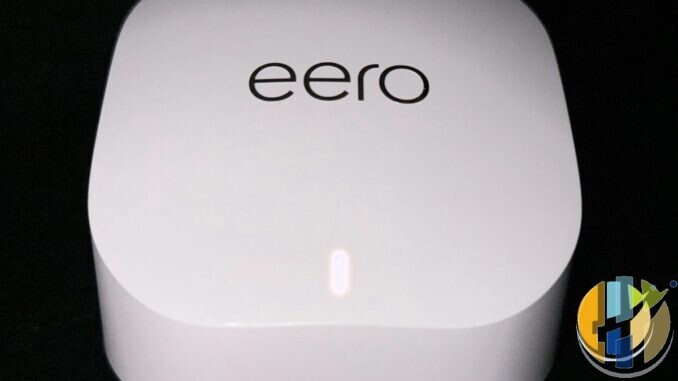
I watched a mate open a Wi-Fi 7 mesh box like it was a games console — new fibre, three TVs, Victorian walls, and a belief the carton badge would fix Sunday night. Moving one node closer to the upstairs TV fixed more than the upgrade.
This is the sceptical UK question for 2026. Do you need Wi-Fi 7 mesh for multi-room 4K, or are you buying marketing while the real problem is placement, backhaul and a stick jammed behind a metal TV stand? Here the network fabric is on trial, not a single dongle’s Wi-Fi radio.
What multi-room 4K actually asks of the air
One 4K stream is not heroic. Netflix’s own guidance sits around 15 Mbps for Ultra HD; Disney+ recommends about 25 Mbps for 4K UHD. Four simultaneous living-room streams plus phones, laptops and a doorbell camera still fit inside a healthy 200–500 Mbps path if the radio path is clean. Most UK full-fibre tariffs already outrun that on paper.
The failure mode is rarely “ISP too slow”. It is shared airtime: wireless mesh backhaul eating the same band your TVs use, a node in the wrong hallway, 6 GHz clients that never leave the router cupboard, or a dual-band “Wi-Fi 7” pack that looks modern and behaves worse than a mature tri-band Wi-Fi 6 mesh with a dedicated backhaul radio.
- Coverage first. No Wi-Fi generation adds brick-penetrating magic. Mesh beats a lonely flagship router in a three-storey terrace.
- Backhaul second. Ethernet between nodes is still the cheat code. Wireless backhaul needs a spare radio (tri-band 6E or proper tri/quad-band 7), not hope.
- Client generation third. Your TVs and sticks must speak the new bands. A Wi-Fi 7 AP with Wi-Fi 5 sticks is mostly future tax.
Wi-Fi 6 / 6E is often enough in 2026
Pragmatic UK home setups keep landing on the same fork. A well-placed Wi-Fi 6 or Wi-Fi 6E tri-band mesh already streams multiple 4K titles if nodes sit near the rooms that matter. 6E’s 6 GHz lane is useful as clean backhaul or for nearby high-rate clients; it does not travel through thick walls better than 5 GHz. That is physics, not a firmware toggle.
If your broadband is under roughly 500–900 Mbps, your device count is ordinary, and only one or two rooms stream 4K at once, spend money on node count and cabling before you chase 802.11be. A cheap dual-band Wi-Fi 7 kit can underperform a similarly priced tri-band 6 / 6E mesh precisely because wireless backhaul steals client airtime.
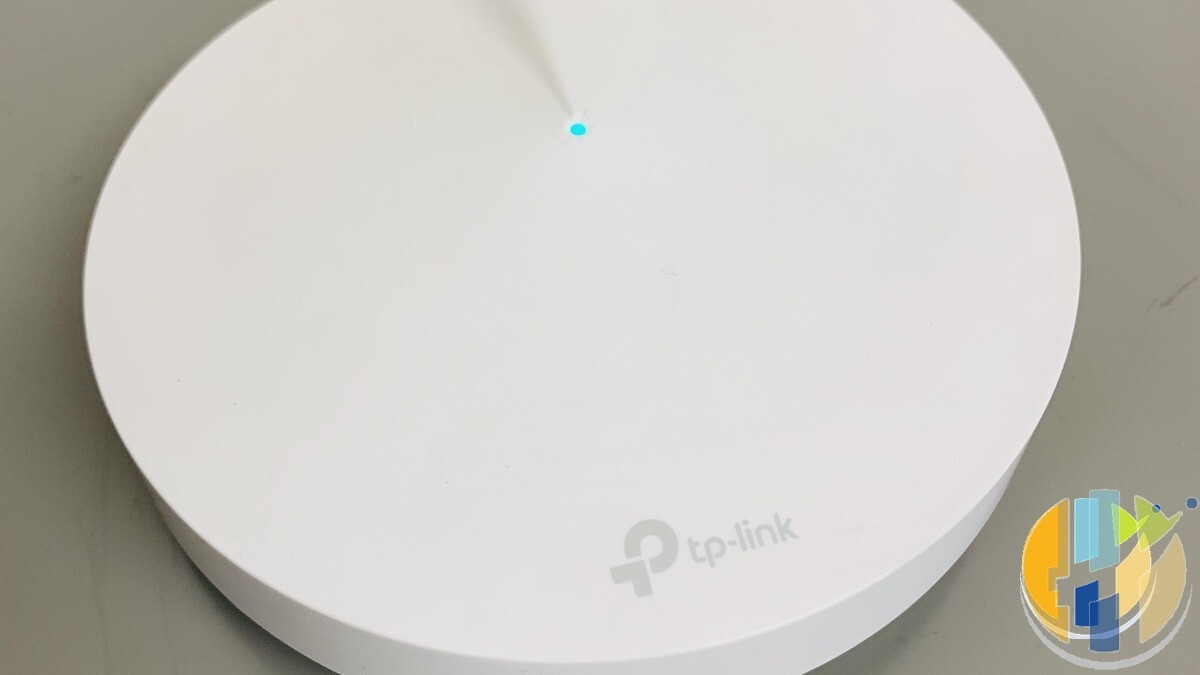
Buy Wi-Fi 7 mesh when several of these are true at once:
- You run many simultaneous 4K (or high-bitrate local) streams while other people game, call and upload.
- Walls and floors are hostile: stone, foil insulation, long thin flats, garden office on a wireless hop.
- You already have, or will soon buy, Wi-Fi 7 phones and laptops that can use Multi-Link Operation (MLO) for steadier links.
- You are on multi-gig fibre and care about local transfers, not only Netflix’s 15–25 Mbps sip.
MLO is the headline feature: bonding bands so a client can ride more than one radio. Consumer implementations in early Wi-Fi 7 gear are still uneven; treat stability claims as “sometimes nicer”, not a guaranteed double of throughput through brick. Latency and resilience under load are the honest benefits in a busy UK home — MLO is not “solved” for every house.
Placement beats generation (yes, again)
Before you refresh the whole house:
- Put a node in or next to the 4K rooms, not only in the hallway for coverage maths.
- Prefer Ethernet backhaul to upstairs nodes if you can fish a cable once.
- Keep sticks and boxes clear of HDMI bricks and metal AV racks; radio needs air.
- Test with two licensed 4K apps at once from the problem room. If a phone on the same SSID also crawls there, the stick is innocent.
That last test matters. Stick buffering behind the TV is often local RF and power. Whole-home multi-room failure with phones struggling in the same spots is mesh topology. Fix the right layer.
A boring buy decision
Keep a working Wi-Fi 6 / 6E mesh if evenings already hold two or three 4K streams. Add a node or a cable before you open a Wi-Fi 7 carton. Upgrade to tri-band (or better) Wi-Fi 7 when the house is genuinely congested, clients are catching up, and you want headroom for the next few years. Ignore dual-band 7 badges sold on fear. Skip the Wi-Fi 7 carton if placement and backhaul are still unfixed — that is wasted money.
This week: run two licensed 4K streams plus a phone speed test in the problem room; if the phone also crawls, move/add a node or try Ethernet backhaul before buying Wi-Fi 7.
Multi-room 4K in a UK home is a coverage and backhaul problem wearing a standards costume. Dress for the house you have, not the brochure.
Best IPTV boxes to buy
After the mesh is sane, a clean player on a fixed network beats another stick jammed behind metal. These are Android TV / Google TV shells for official apps — not Wi-Fi 7 kit, and not mesh replacements. No playlists or channels. Illegal IPTV is illegal. No Fire Stick, no Vega, no Fire OS.
- Google TV Streamer 4K · Amazon US — prefer this with Ethernet once backhaul is sorted; beats another stick behind metal.
- Xiaomi TV Stick 4K (2nd Gen) · Amazon US — budget second-HDMI stick only after the room’s Wi-Fi node is fixed.
- Strong LEAP-AIR (UK listing — no clean US match) — UK-market Google TV stick for a spare socket.
- Nokia Streaming Box 8010 (UK listing — no clean US match) — small Android TV box if you prefer a box over a dongle.
- MECOOL KM2 Plus Deluxe · Amazon US — Google TV box when you want a dedicated player behind the sofa.