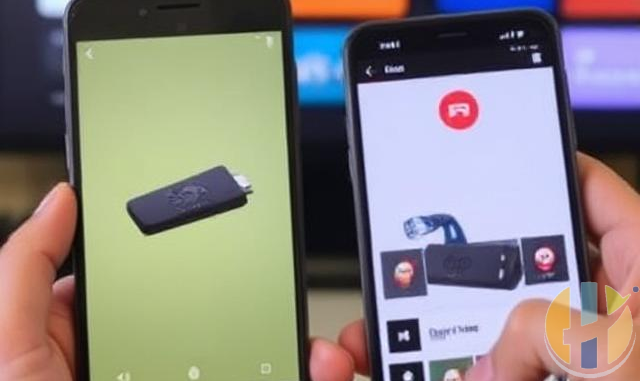
How to Control Your Firestick from a Smartphone
Did you know that you can control your Amazon Firestick using your smartphone? If you've misplaced your Firestick remote or simply prefer using your phone, the Amazon Fire TV app provides a convenient solution.
Step 1: Download the Amazon Fire TV App
To get started, download the Amazon Fire TV app from the Google Play Store or the Apple App Store.
Step 2: Connect Your Smartphone to the Same Wi-Fi Network
Ensure that your smartphone and Firestick are connected to the same Wi-Fi network. This is essential for the app to detect your Firestick.
Step 3: Open the Fire TV App and Select Your Device
Once installed, open the Fire TV app and sign in with your Amazon account. The app will automatically search for available Firestick devices on your network. Tap on your Firestick to connect.
Step 4: Enter the Code Displayed on Your TV
After selecting your device, a code will appear on your TV screen. Enter this code into the app to pair your smartphone with the Firestick.
Step 5: Start Controlling Your Firestick
Once connected, you can use your smartphone as a remote control. The app includes a touchpad for navigation, a keyboard for easy text entry, and quick access buttons for home, back, and menu functions.
Additional Features
- Voice Control: Use the microphone button to issue voice commands to your Firestick.
- Keyboard Input: Enter text easily instead of navigating with the on-screen keyboard.
- Shortcut Buttons: Quickly access your apps, settings, and playback controls.
Troubleshooting Tips
- If your Firestick doesn’t appear in the app, ensure both devices are on the same Wi-Fi network.
- Restart your Firestick and try again.
- Ensure you’re using the latest version of the Fire TV app.
Conclusion
Controlling your Firestick with a smartphone is a simple and effective way to navigate your device without needing a physical remote. With features like voice commands and keyboard input, the Amazon Fire TV app makes the experience even more convenient. Try it out today!