Got three unread messages this morning that all said roughly the same thing: “I paid for TiviMate Premium on some random website and nothing unlocked.”
Yeah. That one still stings when I read it. Because the official path is boring, a bit fiddly, and 100% not a Telegram seller with a lifetime key screenshot.
Here’s the short version before we dig in. TiviMate is a media player. Premium unlocks player features. It does not drop channels, movies, or a playlist into your living room. Google Play listing says that in plain English. If someone sold you “Premium with channels”, you bought a story, not a product.
I’m writing this for Android TV / Google TV users who want the real unlock path through TiviMate Companion, plus a few gotchas I keep seeing in my inbox.
What TiviMate actually is (and isn’t)
Open the official Play Store page for TiviMate IPTV Player. Developer is Armobsoft FZE. Last update I checked was 22 Jun 2026. Big screen app. Remote-first. Not built as a phone touch UI.
It supports common playlist formats people actually use: M3U, Xtream Codes, Stalker Portal. There’s an EPG grid, favourites, catch-up, recording, search, parental controls, multiview. Nice kit.
And the IMPORTANT block on Google Play is not marketing fluff:
TiviMate is a media player only. No content bundled. Not affiliated with providers. You add your own playlists. Any paid Premium upgrade unlocks application features only. Not channels. Not streams. Not media.
I repeat that because half the confusion starts when people treat “Premium” like a secret channel pack. It isnt. If your playlist is empty, Premium wont invent one.
Legal bit, said once and clearly: only add sources you’re authorised to use. Player apps are tools. Youre responsible for what you point them at.
Free vs Premium without the brochure speak
Install free first. Use it for a few evenings. See which prompts actually annoy you.
Premium is the paid unlock for deeper player features (multiple playlists, recording / scheduling style power tools, multiview, heavier customisation). Exact free/paid split can shift when the developer updates the app, so treat feature lists on random blogs as stale until you see the prompt yourself.
Price: check Google Play inside Companion for your region. I’ve seen yearly and lifetime options discussed everywhere, and reviewers on the Companion page even argue about yearly vs lifetime numbers changing. Im not going to nail a pound figure here that’ll be wrong by next Tuesday. Look at the live Play Billing screen. That’s the only honest quote.
Why Companion exists
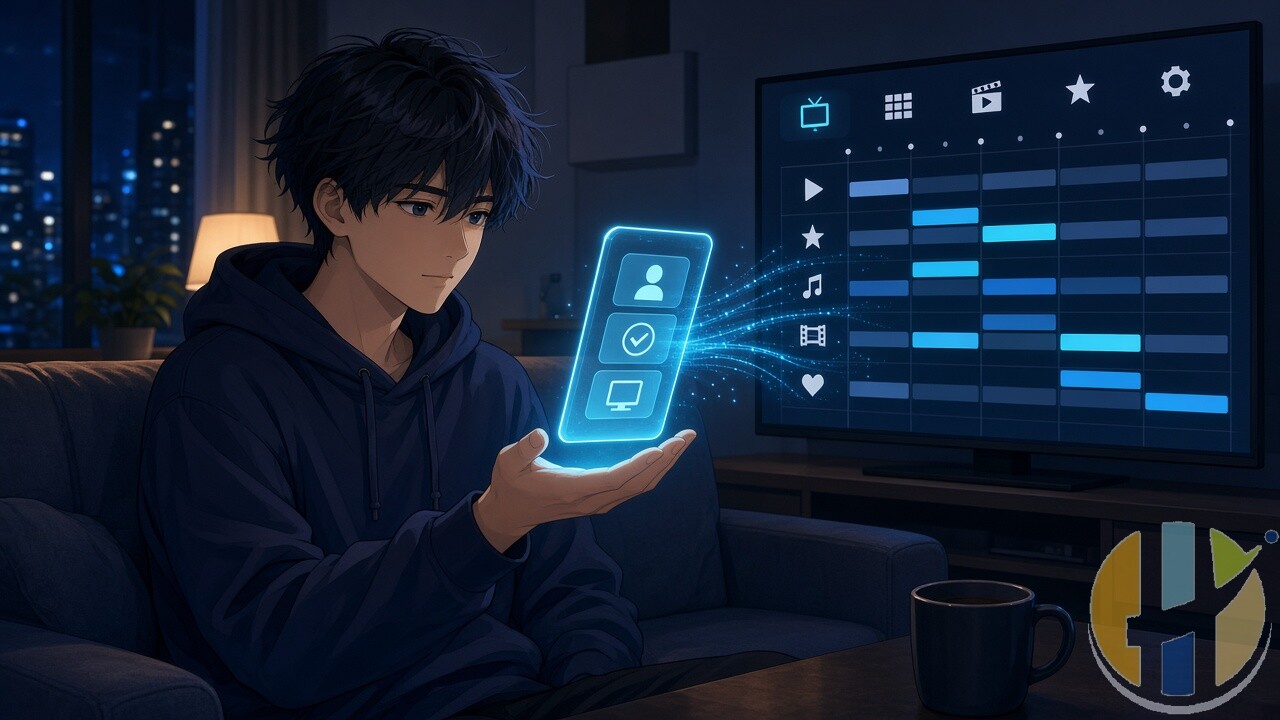
On a proper Android TV / Google TV box with Google Play billing, you can sometimes buy Premium from inside TiviMate itself (Settings path towards Unlock Premium / Account, then Play Billing).
Plenty of living-room devices make that awkward. No Play Store. Broken billing. Remote keyboard hell. That’s why Armobsoft ships TiviMate Companion as a separate Android phone/tablet app.
Companions own Play Store blurb is blunt: it unlocks Premium on devices without Google Play, and it manages activated devices. It is not an IPTV player. Updated 21 Jun 2026 when I checked. Same developer email: [email protected].
So the mental model is:
Phone (Companion) = account + payment + device management
TV box (TiviMate) = the actual player you watch on
Two apps. One account. Don’t mix that up with I need a special Premium APK. You dont. Official path is standard TiviMate + paid account.
The unlock path I tell readers to use
1. On an Android phone or tablet, open Google Play and install TiviMate Companion from Armobsoft FZE. Confirm the package feels official (developer name matches). Skip random APK mirrors.
2. Open Companion. Create an account with an email you actually control. Write the password down somewhere less chaotic than your head at 11pm.
3. Buy Premium through Google Play Billing inside Companion. Card, Play balance, whatever Google offers you. There is no official “wire me crypto for a licence key” shop. If a site asks for that, leave.
4. On your Android TV / Google TV device, install TiviMate from Google Play when available. If your box has Play Store, prefer that over mystery sideloads.
5. In TiviMate, go to Settings and find Unlock Premium / Account (wording moves a bit between versions). Sign in with the same Companion email and password.
6. Wait for the unlock to sync. If it doesn’t, don’t panic-buy a second licence. Check youre on the same account. Check the TV has internet. Then email [email protected] with calm details. Companion reviewers mention support can take a day or two. Annoying. Still better than a scam Discord.
Some setups use a short device-link / code flow from Companion to the TV. If your build shows Connect Device or a code prompt, follow that on-screen path with the same account. Same idea: Companion owns the licence, TiviMate inherits it.
Playlist setup after Premium (still on you)
Premium unlocked? Great. Empty player? Also normal.
Add a playlist you’re allowed to use:
Xtream Codes style login if your provider gives host / username / password
or an M3U / M3U8 URL
or a local M3U file you exported yourself
Then load EPG if your source provides one. Bad EPG is usually the provider feed, not TiviMate “being broken.” I’ve wasted evenings chasing “missing guide” only to find the XMLTV URL had expired.
If buffering is the drama rather than unlock drama, test the pipe first. Free tool I keep pointing people at: speedtest.husham.com. And if VPN talk is relevant for your network, I already covered buffering + VPN here: Fix Fire Stick Buffering with a VPN.
Device slots and the “why did Premium vanish” panic
Companion exists partly so you can manage activated devices. Licences aren’t infinite magic. If you sell a box, factory-reset one, or swap hardware, free a slot in Companion before you assume the purchase failed.
That “I paid and now it’s gone” email is often an old device still holding a slot, or a sign-in on a different email. Start there.
Scams I want you to ignore
Sites selling “TiviMate Premium codes” outside Google Play.
Modified APKs that claim Premium is already cracked.
Anyone bundling “Premium + full channel list as one checkout.
iPhone App Store listings pretending to be Companion. Official Companion is Android Google Play. TiviMate itself is a TV-first Android TV app, not an iPhone living-room player.
If payment didn’t go through Google Play under your own account, treat it as untrusted. Full stop.
Who this is for
If you’re on Android TV / Google TV and you already have a legal playlist or you’re testing the free player first, Companion + official Premium is the clean route.
If you only wanted some app that comes with channels”, you’re shopping for the wrong product. Buy a legitimate service or stick to apps that ship their own licensed catalogue. TiviMate won’t invent content for you. That’s the point.
And if you’re comparing players, fine. I’ve got my own free player work on the site too (Windows and Android builds under the Husham Media Player posts). Different tool, same rule: player only, you add authorised sources.
Bottom line: pay Google Play through Companion, sign into the same account on TiviMate, add only what you’re allowed to watch. Skip the lifetime key sellers. Your future self will thank you when support can actually see the purchase.
If this saved you from a dodgy checkout page, send it to the group chat that keeps forwarding cheap Premium” links.
Also useful: hardware that runs the apps in this guide smoothly.
- NVIDIA SHIELD TV Pro: the strongest Android TV player for Kodi and IPTV player apps, with AI upscaling and Gigabit Ethernet. Amazon UK | Amazon US | Amazon DE | Amazon FR | Amazon IT
- Google TV Streamer 4K: a simple Google TV box with Ethernet and the full Play Store. Amazon UK | Amazon US | Amazon DE | Amazon FR | Amazon IT
- Xiaomi TV Box S (3rd Gen): a cheaper Google TV box with Wi-Fi 6 and 32GB storage. Amazon UK | Amazon US | Amazon DE | Amazon FR | Amazon IT
Best IPTV boxes to buy
These are media boxes and sticks that can run players and licensed apps. The first six are Google certified Android TV or Google TV devices with Google Play; the last one, the Formuler, runs its own Android and is not certified. They are not pirate hardware. They do not come with channels or playlists. I am not claiming I personally lab-tested every SKU this month.
Buy one of these when: Fire TV sideload is a hassle on your model, you want Play Store apps on a proper TV OS, or you want a dedicated player shell behind the sofa. No Fire TV device is on this shortlist.
- NVIDIA SHIELD TV Pro: the premium pick, a certified Android TV player with AI upscaling, Dolby Vision/Atmos and Gigabit Ethernet for the main living-room telly. Amazon UK | Amazon US | Amazon DE | Amazon FR | Amazon IT
- Google TV Streamer 4K: solid Google TV living-room default with Ethernet, 32GB storage and Dolby Vision/Atmos. Amazon UK | Amazon US | Amazon DE | Amazon FR | Amazon IT
- Xiaomi TV Box S (3rd Gen): Google TV box with 32GB storage, Wi-Fi 6 and Dolby Vision/Atmos, the cheaper box route than the Streamer. Amazon UK | Amazon US | Amazon DE | Amazon FR | Amazon IT
- Xiaomi TV Stick 4K (2nd Gen): budget Google TV stick with Wi-Fi 6 and Dolby Vision/Atmos when you want HDMI-simple, not a full box. Amazon UK | Amazon US | Amazon DE | Amazon FR | Amazon IT
- Budget Google TV 4K player: a cheaper certified Google TV player for a second telly. The model differs by store, so each link names the one you get there. MECOOL KD3 (Amazon UK) | onn. Google TV 4K Streaming Box (Amazon US) | Strong LEAP-NOVA-X (Amazon DE) | Strong LEAP-NOVA-X (Amazon FR) | Strong LEAP-NOVA-X (Amazon IT)
- MECOOL MEon1: Google TV certified 4K box with AI upscaling and 32GB storage for a dedicated player behind the sofa. Amazon UK
- Formuler Z12 Ultra SE: the newest Formuler box, built around MYTVOnline 4 for IPTV playlists. It runs Formuler’s own Android rather than certified Google TV, so there is no Netflix in HD and it is the one box here without Google certification. Formuler Z12 Ultra SE (Amazon UK) | Formuler Z12 Ultra SE (Amazon US) | Formuler Z12 Ultra SE (Amazon DE) | Formuler Z12 Ultra SE (Amazon FR) | Formuler Z12 Ultra SE (Amazon IT)
Still shopping for a Fire TV device? Fine for Prime Video and the Appstore universe. Not the shortlist above. And none of these boxes magically make unlicensed streams legal.
YouTube: @husham122
About / contact: www.husham.com/about
Article ID: HUSHAM-20260906-T7V2