If you own a Fire TV Stick, check this before you replace it. Amazon’s app block is real, but the total-ban headline leaves out your operating system.
“Amazon just declared war on unofficial Fire TV apps.” That is the viral claim I am checking. Big headline. Dramatic music. Apparently even the remote needs a tin helmet.
The block is real. In reporting at the end of October 2025, Amazon confirmed it would block apps identified as providing access to pirated content, including apps downloaded outside its Appstore, in an expanded programme led by the Alliance for Creativity and Entertainment, or ACE. AFTVnews published a spokesperson’s statement saying blocks would start in Germany and France, then roll out globally. That is the plan, not proof that every stick changed on the same morning. UK reporting later documented the blocks here too.
Amazon’s own help page, rechecked on 20 November 2026, still says Fire TV disables apps identified as using or providing access to unlicensed content, and that affected users are informed and given an uninstall option. The line headlines skip is question 7 on that official FAQ: only those identified apps are affected. Targeted blocking is not the same as banning everything not blessed by the shop.
Fire OS and Vega are not the same argument
Fire OS is the Android-based system on many existing Fire TV devices. On those compatible devices, installing an app from outside the Appstore is still technically possible. That is called sideloading, and it only describes where an app came from, not whether its content is licensed. A legal media player, and an app serving unlicensed films, are not the same thing just because both arrived outside a shop.
Heise asked Amazon about this. Amazon said sideloading would continue, with the new measures limited to piracy apps. Later AFTVnews reporting said Kodi and other general-purpose media players did not appear to be targeted. Cord Busters also reported that Fire OS sideloading, and tools such as Downloader, remained available. That does not mean every Android app will work on every Fire TV, and it is not a lifetime policy guarantee. It means this programme is not evidence of a blanket ban on legal sideloading across existing Fire OS devices.
I am not going to name the blocked apps, and I am not going to show ways around the warnings. If you came here for a way around the warnings, you are in the wrong place.
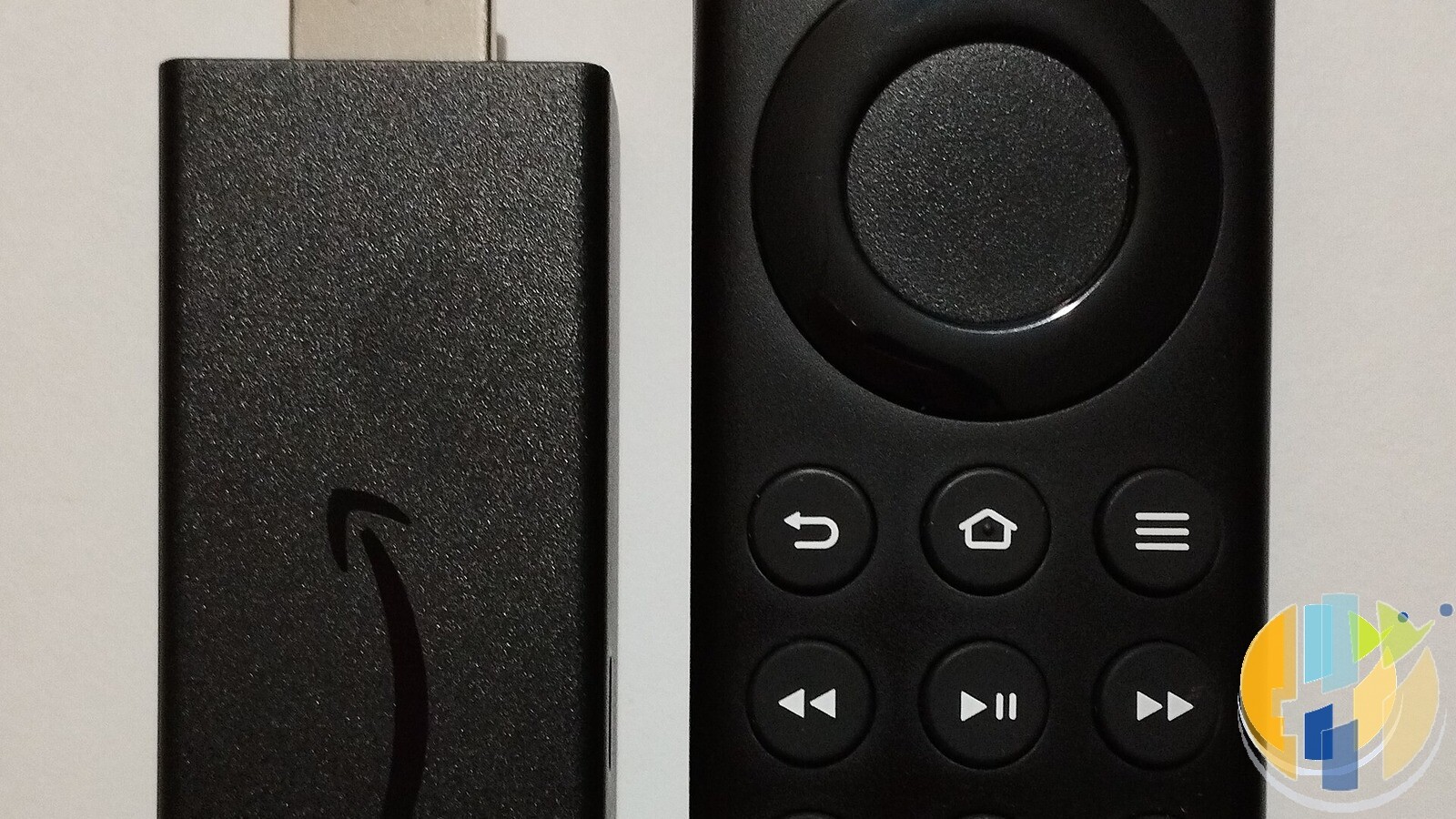
Vega is a different story
Same Fire TV family name, different operating system underneath. Lovely. Because apparently naming televisions needed a plot twist.
Amazon’s developer specifications, rechecked on 20 November 2026, still list the Fire TV Stick 4K Select, the 2026 Fire TV Stick HD, and the 2026 third-generation Fire TV Stick 4K as Vega OS devices. The 2024 Fire TV Stick HD is still Fire OS 7, not Vega. The 2025 Fire TV Stick 4K Plus, and the second-generation 4K Max, are still Fire OS 8. Model year matters. I set this out in more detail when the new 4K stick landed on Vega, and earlier when I warned that Android-based Fire TV Sticks were on the way out.
Amazon’s developer blog is wonderfully blunt: your Fire OS APK does not run there. Vega is not Android. For ordinary customers on these Vega sticks, downloads come through Amazon’s Appstore. Seeing an Android version on a website does not mean it runs on your new stick. Developer testing exists, but that is not normal consumer Android APK sideloading.
Amazon told Heise it had no plans to upgrade existing Fire OS devices to Vega. That is no announced conversion plan, not a promise about every future decision. So before you assume an app has been banned, check the exact model and operating system. A Vega compatibility problem and a Fire OS unlicensed-content warning can stop you watching for completely different reasons.
Read the actual warning, and do not invent a diagnosis
Published reports show a full-screen warning that the app has been identified as using or providing access to unlicensed content. AFTVnews documented the change, in December 2025, from an early warning to full disabling. The earlier “Launch anyway” button had been replaced with “Dismiss”, alongside “Uninstall”. Dismiss closes the warning; it does not launch the app. In January 2026, reporting also documented an “App installation blocked” screen, which stops the install rather than only blocking a launch.
Do not assume every failure is that policy. An incompatible file, an ordinary app error and an unlicensed-content warning are different diagnoses. Read the actual message, and do not treat a screenshot from another country or an older software version as a promise of exactly what you will see.
If you have been following this on husham.com for a while, you may already have seen my earlier piece on Amazon’s Fire TV Stick crackdown. This one is the fact check of the “war on unofficial apps” claim, with the official FAQ and the Vega device list rechecked on 20 November 2026, and without a tour of blocked app names.
What you can legally use instead
Start with content you have the right to watch: official broadcaster apps, licensed subscriptions, and legitimate free, ad-supported services, subject to your country and device. A media player is another category. Playing your own authorised videos is not the same as a mysterious all-channels subscription. If your favourite legal player only has an Android version, do not assume a Vega stick will run it.
If an app has been disabled and you think that is wrong, use official support. Amazon’s FAQ says it cannot make exceptions, and device returns depend on eligibility in the normal window. That is not a promise of a refund.
You also do not have to stay with Fire TV. If legal Android compatibility matters, look at Android TV or Google TV alternatives. The boxes and sticks below are affiliate options to investigate, not a claim that every box suits every viewer, and no device purchase includes rights to every film and football match.
Best IPTV boxes to buy this month from Amazon
These are media boxes and sticks that can run players and licensed apps. The first six are Google certified Android TV or Google TV devices with Google Play. The three Fire TV Sticks run Amazon’s own systems with the Appstore instead of Google Play: the 4K Max and 4K Plus run Fire OS, which is Android based, while the new Fire TV Stick 4K (2026) runs Vega OS, which does not allow sideloading Android apps, only Appstore apps. The last one, the Formuler, runs its own Android and is not certified. They are not pirate hardware. They do not come with channels or playlists. I am not claiming I personally lab-tested every SKU this month.
Pick a Google TV box when you want Play Store apps on a proper TV OS or a dedicated player behind the sofa. Pick a Fire TV Stick when Prime Video and the Appstore already cover what you watch. If you need an Android player from outside the Appstore, skip the Vega OS stick.
- NVIDIA SHIELD TV Pro: the premium pick, a certified Android TV player with AI upscaling, Dolby Vision/Atmos and Gigabit Ethernet for the main living-room telly. Amazon UK | Amazon US | Amazon DE | Amazon FR | Amazon IT
- Google TV Streamer 4K: solid Google TV living-room default with Ethernet, 32GB storage and Dolby Vision/Atmos. Amazon UK | Amazon US | Amazon DE | Amazon FR | Amazon IT
- Xiaomi TV Box S (3rd Gen): Google TV box with 32GB storage, Wi-Fi 6 and Dolby Vision/Atmos, the cheaper box route than the Streamer. Amazon UK | Amazon US | Amazon DE | Amazon FR | Amazon IT
- Xiaomi TV Stick 4K (2nd Gen): budget Google TV stick with Wi-Fi 6 and Dolby Vision/Atmos when you want HDMI-simple, not a full box. Amazon UK | Amazon US | Amazon DE | Amazon FR | Amazon IT
- STRONG LEAP-NOVA: a certified Google TV stick with Android 14, 32GB storage, Wi-Fi 6 and Dolby Vision, a cheaper stick for a second telly. Amazon UK | Amazon DE | Amazon FR | Amazon IT
- RockTek GX1: a certified Google TV box with 4GB RAM, 32GB storage, Wi-Fi 6, Ethernet and Dolby Vision/Atmos for a dedicated player behind the sofa. Amazon UK | Amazon US | Amazon DE | Amazon FR | Amazon IT
- Fire TV Stick 4K Max: the most powerful Fire TV Stick, with Wi-Fi 6E, Dolby Vision/Atmos and 16GB storage. It runs Fire OS, which is Android based, so you get Appstore apps and can still sideload an Android player. Amazon UK | Amazon US | Amazon DE
- Fire TV Stick 4K Plus: the older Fire OS stick with Wi-Fi 6 and Dolby Vision/Atmos. It is being phased out, so buy it only while stock lasts. Like the Max, it can still sideload Android apps. Amazon UK | Amazon US | Amazon DE | Amazon FR | Amazon IT
- Fire TV Stick 4K (2026): the newest and slimmest 4K stick, with a new remote. It runs Vega OS, which does not allow sideloading Android apps, only Appstore apps, so check your player is in the Appstore before you buy. Amazon UK | Amazon US | Amazon DE | Amazon FR | Amazon IT
- Formuler Z12 Ultra SE: the newest Formuler box, built around MYTVOnline 4 for IPTV playlists. It runs Formuler’s own Android rather than certified Google TV, so there is no Netflix in HD and no Google certification. Formuler Z12 Ultra SE (Amazon UK) | Formuler Z12 Ultra SE (Amazon US) | Formuler Z12 Ultra SE (Amazon DE) | Formuler Z12 Ultra SE (Amazon FR) | Formuler Z12 Ultra SE (Amazon IT)
Whichever you pick, check that the app you need is in its store before you pay. And none of these boxes or sticks magically make unlicensed streams legal.
A VPN is for privacy, not for unlicensed streams
If you want a VPN for privacy, on public Wi-Fi, in hotels or on a home connection you would rather not leave sitting in clear text, these are the services I point people to: NordVPN, Surfshark (including the Fire TV path), IPVanish, CyberGhost, PureVPN and Ivacy. Check that the app supports your exact operating system. Vega and Fire OS are not interchangeable, which is why I wrote separately about Surfshark on Vega OS Fire TV. A VPN does not grant content rights, and it does not remove a device’s app restriction. And if all your streaming passwords are the same one, NordPass is a better use of a few quid than a panic replacement stick.
Here is the verdict. Amazon is blocking identified unlicensed-content apps, including sideloaded ones. That part is real. A total ban on legal sideloading across existing Fire OS sticks is not what Amazon’s policy says, and it is not what the reporting establishes. New Vega sticks are different: Android APKs do not run there, and ordinary customers use the Appstore. Do not confuse that with targeted blocks on older Fire OS devices.
So do not panic-buy a replacement because a dramatic headline shouted at you. Check your model, read the actual warning, and match your device to legal apps that support it.
Written by Dr Husham Memar