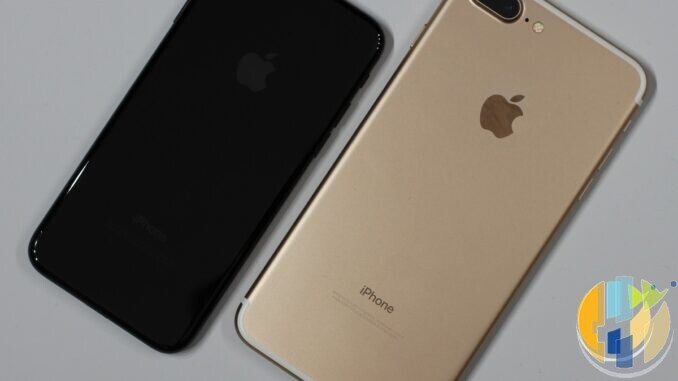
Every family has one. The iPhone 7 that became Grandad’s phone, the iPhone 6s living in a kitchen drawer as the “spare WhatsApp”, the first generation iPhone SE that a teenager refuses to give up because it fits in a pocket like phones used to. On Monday 30 November 2026 WhatsApp raises the bar for all of them: from that day, its own help centre says only iPhones running iOS 15.5 and newer will be supported. Today the minimum is iOS 15.1.
The good news is that this one is fixable with a couple of taps rather than a new phone, which makes a refreshing change for a tech deadline. The less good news is that WhatsApp has also started rolling out a new screen in October that blocks some people from logging in until they update their phone’s software, and it does not say which versions trigger it. So this is a checklist for both: the dated cut-off and the surprise bouncer at the door. It works the same whether your family group chat lives in London, Lagos, Dubai or Delhi.
What WhatsApp has actually confirmed
- The date and the version: WhatsApp’s “About supported operating systems” page says it supports iPhones on iOS 15.1 and newer, and that “starting November 30, 2026, only iOS 15.5 and newer will be supported”.
- Android is already done: the same page lists Android 6.0 and newer. TechRepublic reported back in April, citing WABetaInfo, that Android 5.0 and 5.1 phones would lose WhatsApp on 8 September 2026. So if a Lollipop phone in your house still has the green icon, treat it as a museum piece, not a messenger.
- iPads and WhatsApp Business too: WABetaInfo and 9to5Mac report that the iPad app follows the same iPadOS 15.5 rule, and WABetaInfo says WhatsApp Business moves on the same date because it shares the same code. If you run a shop or a taxi firm from an old iPhone, this is your deadline as well.
- You will be nagged first: WhatsApp says people on an operating system it is about to drop are “notified in WhatsApp” and reminded “a few times”. If you have been tapping that banner away since June, it was not spam. It was the warning.
- No clock time: WhatsApp gives a date, not an hour. Whether you are in the UK, Paris or Berlin, New York or Los Angeles, Dubai, Mumbai or Sydney, treat Sunday 29 November in your own time zone as the real deadline and you cannot be caught out.
Is your iPhone affected? The 30 second check
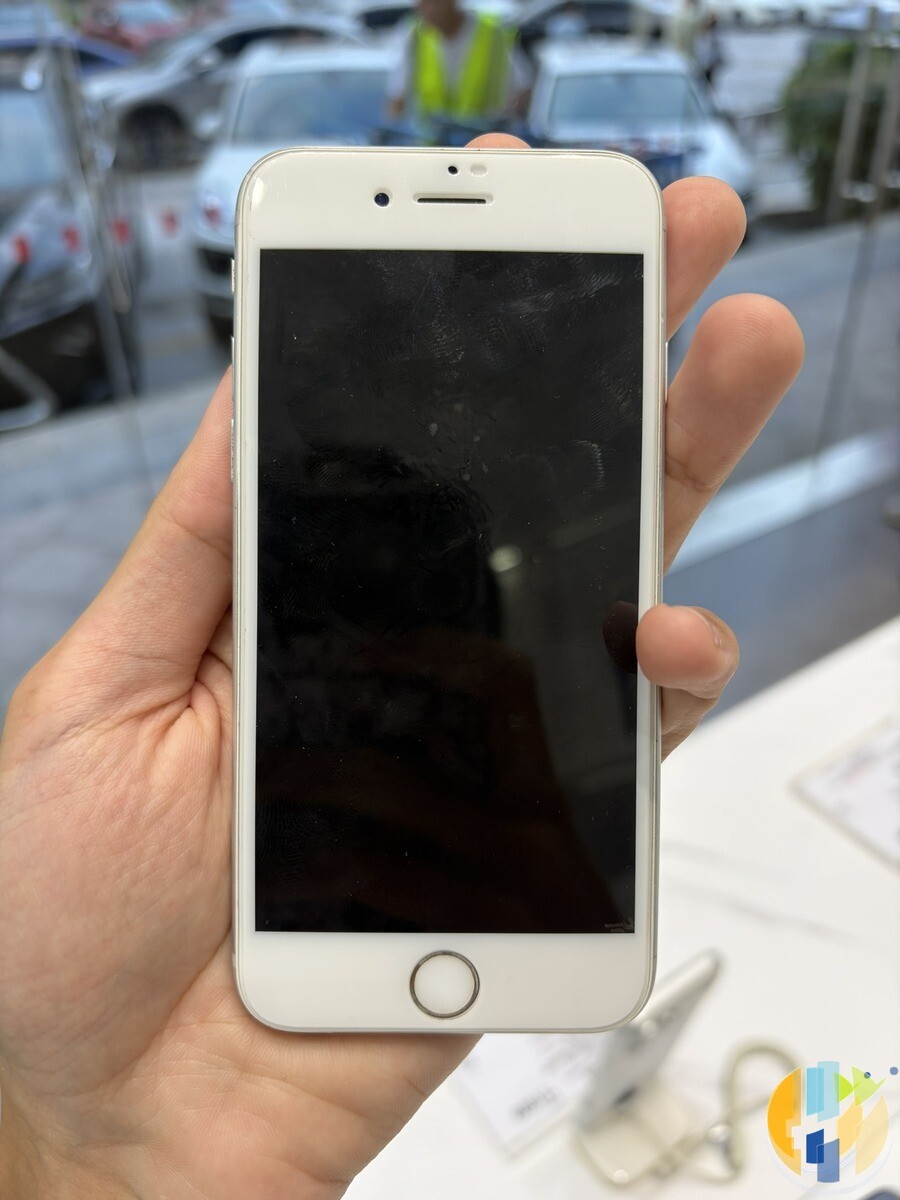
Open Settings > General > Software Update. Apple’s own guide says this screen shows the version of iOS that is installed and whether an update is waiting. Then:
- iOS 16, 17, 18 or anything newer: this cut-off does not touch you. Carry on and go and help someone older.
- iOS 15.5 up to 15.8.8: you are fine on 30 November, but read the login wall section below before you relax completely.
- iOS 15.0 to 15.4: you need to update. This is mostly the iPhone 6s, 6s Plus, iPhone SE (1st generation), iPhone 7 and 7 Plus, but any iPhone that has been sitting on an early iOS 15 build since 2021 counts too.
- iOS 12 or older: this is the iPhone 6, 6 Plus and 5s crowd. Apple’s security releases page shows their final update is iOS 12.5.8, and MacRumors reports they were already cut off when WhatsApp moved to iOS 15.1 in 2025. No update can save these. Skip to the section on moving your chats.
The reassuring bit, and both WABetaInfo and MacRumors make the same point: every iPhone that can run iOS 15.1 can also run iOS 15.5 or later. Nobody is forced to buy a new phone by this particular date. Somewhere a marketing department is quietly disappointed.
Aim for iOS 15.8.8, not just 15.5
Here is the small print that matters. Apple released iOS 15.8.8 and iPadOS 15.8.8 on 11 May 2026 for the iPhone 6s, iPhone 7, iPhone SE (1st generation), iPad Air 2, iPad mini (4th generation) and iPod touch (7th generation). Apple’s iOS 15 update list stops at 15.8.8, so that is the last stop for these devices. Do not update to 15.5 and call it a day. Go all the way to the latest version the phone offers, for two reasons:
- Security: 15.8.8 carries Apple’s newest fixes for these models. heise online pointed out that iOS 15.5 itself dates from May 2022 and no longer receives security patches, which is a polite way of saying “minimum” is not the same as “safe”.
- The login wall: WABetaInfo says the new WhatsApp screen tells people to install the latest available update. On these phones that is 15.8.8. Stopping at 15.5 may pass the 30 November rule and still fail the bouncer.
The new login wall that arrived early
In early October, WABetaInfo reported that WhatsApp is rolling out a server side check to specific Android and iOS accounts. If the phone’s operating system is out of date, WhatsApp stops you logging in and shows a screen explaining how to update the phone first. You cannot skip it, and it applies regardless of which version of WhatsApp you have, so updating the app does not get you past it. The problem is the phone, not the app. heise online and Cybernews have covered it since, and Cybernews describes it as reaching a limited number of accounts for now.
Three things worth knowing. WhatsApp has not said which versions trigger the block, so nobody can promise you that iOS 15.8.8 or Android 6 will be enough forever. It applies to Android as well as iPhone. And the reason is sensible: WABetaInfo’s explanation is that end to end encryption cannot protect a message that malware on an old, unpatched phone has already read. The app is only as secure as the phone underneath it, which is a sentence every phone maker should have to print on the box.
Before you update: back up your chats properly
Apple’s update guide starts with “back up your device”, and WhatsApp keeps its own backup, so do both. In WhatsApp go to Settings > Chats > Chat backup and tap Back up now. WhatsApp’s help page adds some conditions that catch people out on old iPhones:
- The storage maths: WhatsApp says your free iCloud space and free iPhone space should each be at least 2.05 times the size of your backup. A 4GB chat history needs roughly 8.2GB free in both places. On a 32GB iPhone 7 full of forwarded good morning videos, that is the real obstacle.
- Same number, same Apple account: you can only restore with the same phone number and the same iCloud account the backup was made on.
- Videos are optional: the backup screen lets you switch off “Include videos in chats”. If space is tight, back up the messages and photos first and save any precious videos separately.
- Encrypted backup: if you turn on end to end encrypted backup, WhatsApp is clear that your password or 64 digit key is the only way back in. Write it down somewhere that is not the phone you are backing up.
- WhatsApp’s own cloud storage: WhatsApp says it is building and testing a backup to its own cloud storage, and it may not be offered to you yet. If you do not see it, iCloud is your route.
If iCloud’s free 5GB is too small, Apple’s published price for the 50GB iCloud+ tier is £0.99 a month in the UK, $0.99 in the US, 0.99 € in the eurozone, C$1.29 in Canada, AED 3.99 in the UAE, Rs 75 in India and A$1.49 in Australia, from Apple’s pricing page, read on 16 October 2026. One month to get through the update, then cancel if you do not need it. That is the cheapest insurance policy in this article.
Doing the update without drama
- Power and Wi-Fi: Apple’s instructions are to plug the phone in and use Wi-Fi. Old batteries and big downloads do not mix, so keep it on the charger the whole time.
- Turn off the VPN for ten minutes: Apple says VPN or proxy connections might stop your device reaching its update servers. Switch it off, update, switch it back on.
- Not enough space: Apple suggests Settings > General > iPhone Storage > Offload Unused Apps, and if the update asks to remove apps temporarily, tapping Continue lets iOS put them back afterwards.
- Stuck or failing: Apple’s troubleshooting page says to try another network, delete the downloaded update from iPhone Storage and download it again, or update with a Mac or PC as a last resort.
- Slow download: if the progress bar is moving like a queue at passport control, test your connection where the phone actually sits with my husham.com speed test.
- After the update: open WhatsApp, check your chats are all there, and update WhatsApp itself from the App Store too.
Traps to avoid
- Links that promise to “update WhatsApp”: WhatsApp’s reminders come inside the app, and the phone update comes from Settings. A text or a forwarded message with a download link is not either of those. Ignore it, especially in late November when every scam in the world wears a Black Friday hat.
- Unofficial WhatsApp apps for old phones: WhatsApp’s linked devices page warns that linking your account through unofficial apps or websites can lead to a temporary or permanent ban. A modded app that “still works on iOS 12” is not a clever workaround. It is a way to lose the account.
- The 14 day trap for linked devices: WhatsApp Web, the desktop apps and WhatsApp on an iPad are linked devices, and WhatsApp says they log out if your main phone goes unused for more than 14 days. If the old iPhone is the main phone and it stops working, the laptop will not save you for long. Move the account to a supported phone instead.
- Feature phones: WhatsApp has already ended support on KaiOS phones, and its help page says there is no backup or restore on them. If a relative in India or anywhere else still uses one, copy anything important off it by hand.
If the phone cannot be saved: moving the chats
For an iPhone 6 or older, or a phone that simply refuses to update, the job is moving the account to a newer phone. WhatsApp says the only way to move a backup to another iPhone is through iCloud or WhatsApp’s own cloud storage, so make the backup above first, sign in to the same Apple account on the new iPhone, install WhatsApp, and register the same number to restore. WhatsApp’s help centre also has separate guides for moving chats from an iPhone to Android and back again, if the replacement is not an Apple phone. And if you have notes and other bits stuck on the old handset, I covered that in stop getting stuck with your old phone because of your notes.
On cost: I am not quoting phone prices, because Black Friday on 27 November will rewrite them by the hour and I refuse to publish a number that is wrong by lunchtime. A newer second hand or refurbished phone on iOS 16 or later solves this deadline. If you are going brand new and fancy something shinier, my iPhone Duo pre-order checklist has the bigger picture.
Your dated checklist
- This weekend (from Friday 16 October): check the iOS version on every iPhone and iPad in the family, including the ones in drawers and the one at your parents’ house. A phone call that starts “go to Settings” counts.
- By Saturday 31 October: make a WhatsApp backup on each affected phone and note the backup size, so you know whether you need more iCloud space.
- By Sunday 8 November: update each one to iOS 15.8.8 or the latest version it offers. Do it on a quiet weekend, on Wi-Fi, on the charger.
- By Sunday 15 November: open WhatsApp on each updated phone and send a test message to the family group. Check WhatsApp Web, the desktop app or the iPad still connect.
- Sunday 22 November: anyone who still cannot update should have their replacement plan sorted, including where the backup will be restored.
- Friday 27 November, Black Friday: if a replacement phone is needed, this is the obvious moment to look. Discounts are not guaranteed, and the timing is suspiciously convenient for somebody.
- Sunday 29 November: your own safe deadline for any device that has not been updated yet.
- Monday 30 November: WhatsApp’s cut-off for iOS older than 15.5. It is also the Monday the shops call Cyber Monday, so expect your inbox to be louder than the deadline.
- After 30 November: if WhatsApp ever shows the “update your phone software” screen, follow it from Settings, not from a link. If no update is offered, it is time to move the account.
One more thing before you put the drawer phone back. In plenty of homes the retired iPhone has a second career as the thing everyone uses to cast films to the telly in the spare room. When it finally bows out, a proper streaming player plugged into the TV does that job better, and most of the Google certified ones below have casting built in. These are the boxes I point people at:
Best IPTV boxes to buy
These are media boxes and sticks that can run players and licensed apps. The first six are Google certified Android TV or Google TV devices with Google Play; the last one, the Formuler, runs its own Android and is not certified. They are not pirate hardware. They do not come with channels or playlists. I am not claiming I personally lab-tested every SKU this month.
Buy one of these when: Fire TV sideload is a hassle on your model, you want Play Store apps on a proper TV OS, or you want a dedicated player shell behind the sofa. No Fire TV device is on this shortlist.
- NVIDIA SHIELD TV Pro: the premium pick, a certified Android TV player with AI upscaling, Dolby Vision/Atmos and Gigabit Ethernet for the main living-room telly. Amazon UK | Amazon US | Amazon DE | Amazon FR | Amazon IT
- Google TV Streamer 4K: solid Google TV living-room default with Ethernet, 32GB storage and Dolby Vision/Atmos. Amazon UK | Amazon US | Amazon DE | Amazon FR | Amazon IT
- Xiaomi TV Box S (3rd Gen): Google TV box with 32GB storage, Wi-Fi 6 and Dolby Vision/Atmos, the cheaper box route than the Streamer. Amazon UK | Amazon US | Amazon DE | Amazon FR | Amazon IT
- Xiaomi TV Stick 4K (2nd Gen): budget Google TV stick with Wi-Fi 6 and Dolby Vision/Atmos when you want HDMI-simple, not a full box. Amazon UK | Amazon US | Amazon DE | Amazon FR | Amazon IT
- Budget Google TV 4K player: a cheaper certified Google TV player for a second telly. The model differs by store, so each link names the one you get there. MECOOL KD3 (Amazon UK) | onn. Google TV 4K Streaming Box (Amazon US) | Strong LEAP-NOVA-X (Amazon DE) | Strong LEAP-NOVA-X (Amazon FR) | Strong LEAP-NOVA-X (Amazon IT)
- MECOOL MEon1: Google TV certified 4K box with AI upscaling and 32GB storage for a dedicated player behind the sofa. Amazon UK
- Formuler Z12 Ultra SE: the newest Formuler box, built around MYTVOnline 4 for IPTV playlists. It runs Formuler’s own Android rather than certified Google TV, so there is no Netflix in HD and it is the one box here without Google certification. Formuler Z12 Ultra SE (Amazon UK) | Formuler Z12 Ultra SE (Amazon US) | Formuler Z12 Ultra SE (Amazon DE) | Formuler Z12 Ultra SE (Amazon FR) | Formuler Z12 Ultra SE (Amazon IT)
Still shopping for a Fire TV device? Fine for Prime Video and the Appstore universe. Not the shortlist above. And none of these boxes magically make unlicensed streams legal.
Sources I read for this piece: WhatsApp Help Center pages “About supported operating systems”, “How to back up your chat history” (iPhone), “About linked devices” and “Ending support for WhatsApp on KaiOS”; WhatsApp’s iPad download page; Apple Support “About the security content of iOS 15.8.8 and iPadOS 15.8.8” (released 11 May 2026), “Apple security releases”, “About iOS 15 Updates”, “Update your iPhone or iPad”, “If your iPhone or iPad won’t update” and “iCloud+ plans and pricing”, all read on 16 October 2026; WABetaInfo (9 June 2026 and 5 October 2026); 9to5Mac (10 June 2026); MacRumors (11 June 2026); TechRepublic (27 April 2026); heise online (6 October 2026); and Cybernews (12 October 2026). Featured photo: iPhone 7 and iPhone 7 Plus by Maurizio Pesce, Wikimedia Commons, CC BY 2.0.
Written by Dr Husham Memar