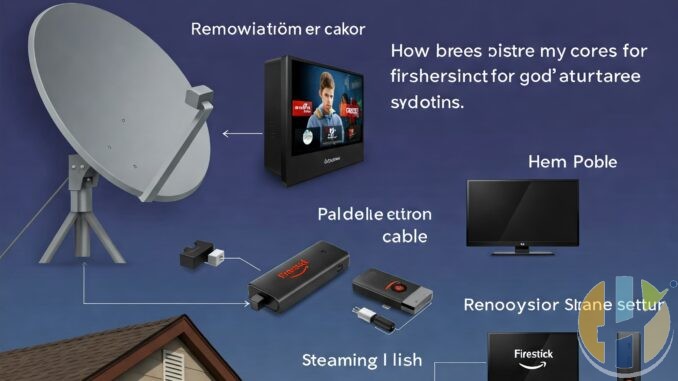
How I Replaced My Satellite Dish with a Firestick Setup
Published by Husham.com | Join the discussion on forum.husham.com
For years, I paid a high monthly fee for satellite TV—only to watch the same few channels over and over. Between signal dropouts and overpriced packages, I knew I needed a better solution. That's when I found the Firestick, and within a weekend, I had completely replaced my satellite dish setup with a better, cheaper streaming alternative.
What I Needed Before Cutting the Cord
- Amazon Firestick 4K Max
- Wi-Fi with at least 20 Mbps
- IPTV Subscription (M3U or Xtream Code based)
- Apps: TiviMate, Downloader, VPN
Step-by-Step: My Switch from Satellite to Firestick
- Unplugged my old satellite receiver and canceled the subscription
- Plugged in the Firestick, connected to Wi-Fi
- Used “Downloader” to sideload IPTV apps
- Installed TiviMate and entered my IPTV M3U details
- Tested channels, adjusted buffering settings, and enabled EPG
- Installed a VPN app for extra privacy and to unlock geo-restricted content
What I Gained After Switching
- No more weather-related signal loss
- Access to thousands of global channels and movies
- Control over my app layout and sources
- Saved over $500/year on subscription fees
Was It Worth It?
Absolutely. The Firestick setup was simple, budget-friendly, and gave me more control over my entertainment. I haven’t looked back—and I don’t miss the dish one bit.
If you're ready to do the same, check out more Firestick and IPTV guides on husham.com.
FAQs – Firestick vs Satellite
- Q: Can Firestick really replace satellite TV?
A: Yes, with the right IPTV or streaming apps, you can access all the same (and more) channels. - Q: Do I need fast internet?
A: A minimum of 15–20 Mbps is recommended for smooth streaming. - Q: Is Firestick hard to set up?
A: Not at all. Most users can do it in under 30 minutes. - Q: What apps should I install?
A: TiviMate, IPTV Smarters, Downloader, and a good VPN like NordVPN or ExpressVPN. - Q: Is there a monthly fee?
A: Only if you subscribe to IPTV services—many cost much less than satellite TV. - Q: Can I still watch local channels?
A: Yes, some IPTV services include local channels, or you can use a digital antenna.


